
Desktop app | Amateur TV channel
Setting up an external encoder on Amateur TV
Step 1. Log in to your Amateur.tv account.
Step 2. Click the “Broadcast” button in the main menu.

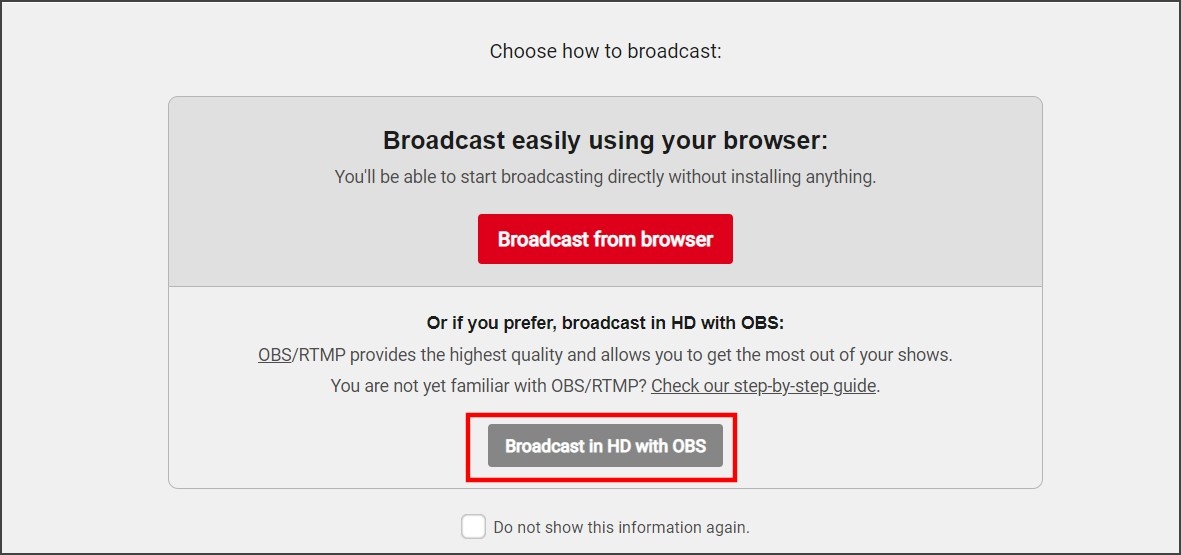
Step 3. Select the “Broadcast in HD with OBS” option.
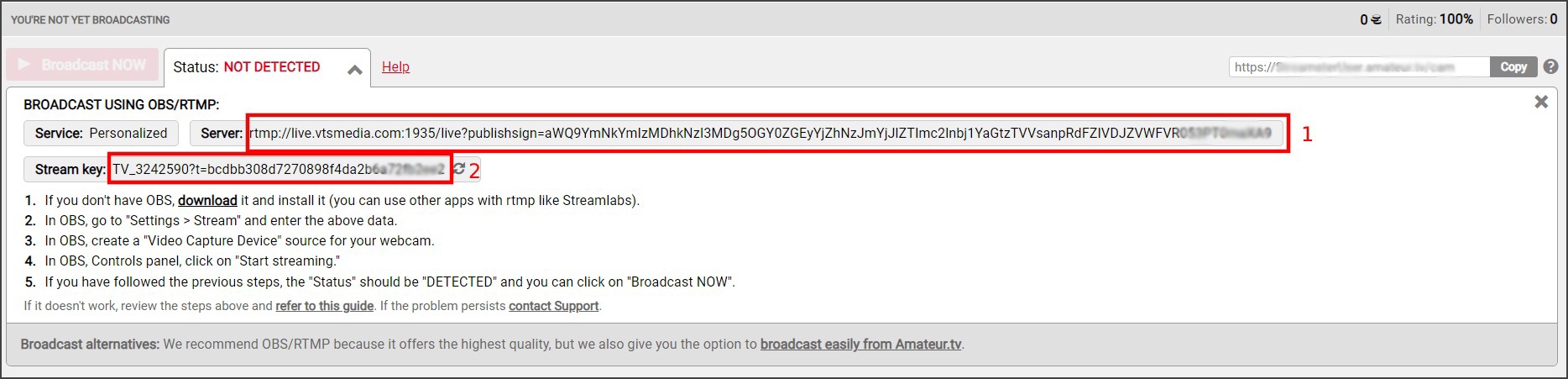
Step 4. Copy the “Server” (1) and “Stream Key” (2) fields input.
Setting up Amateur TV channel in the Streamster app
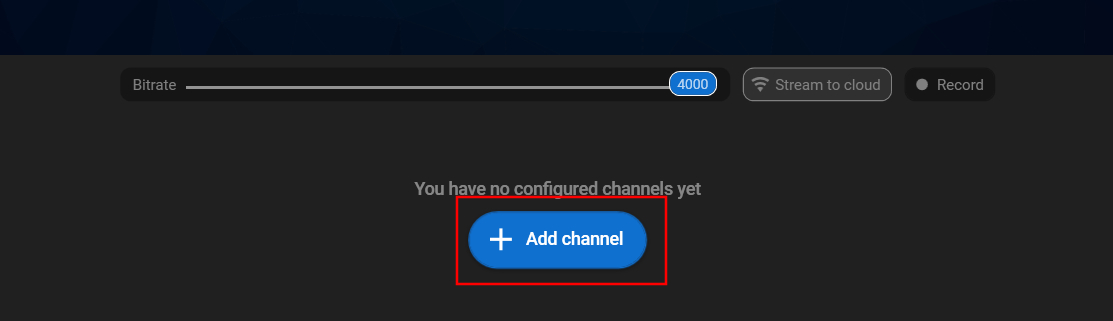
Step 1. Click the “Add channel” button.
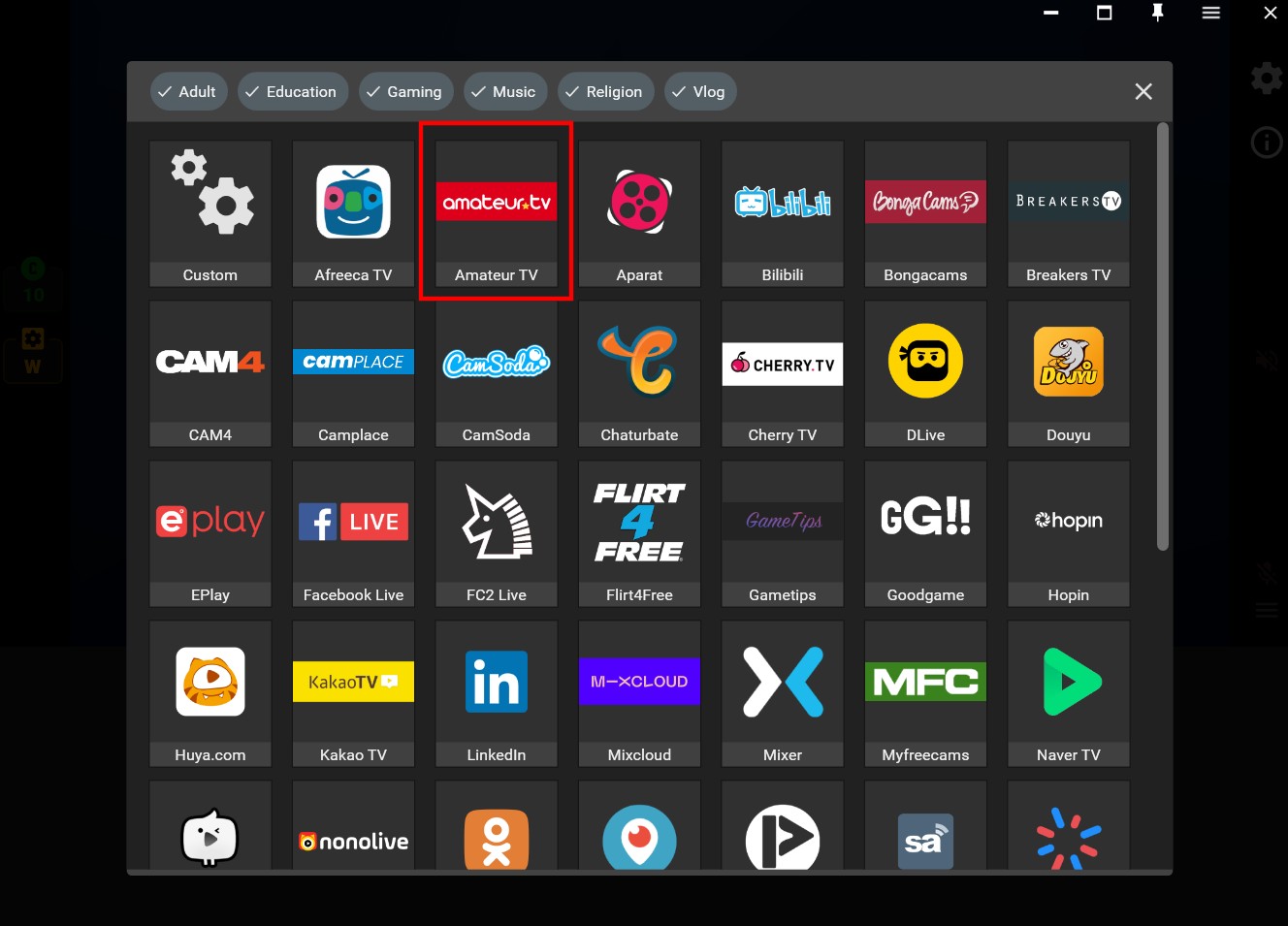
Step 2. Select the “Amateur TV” from the list of channels.
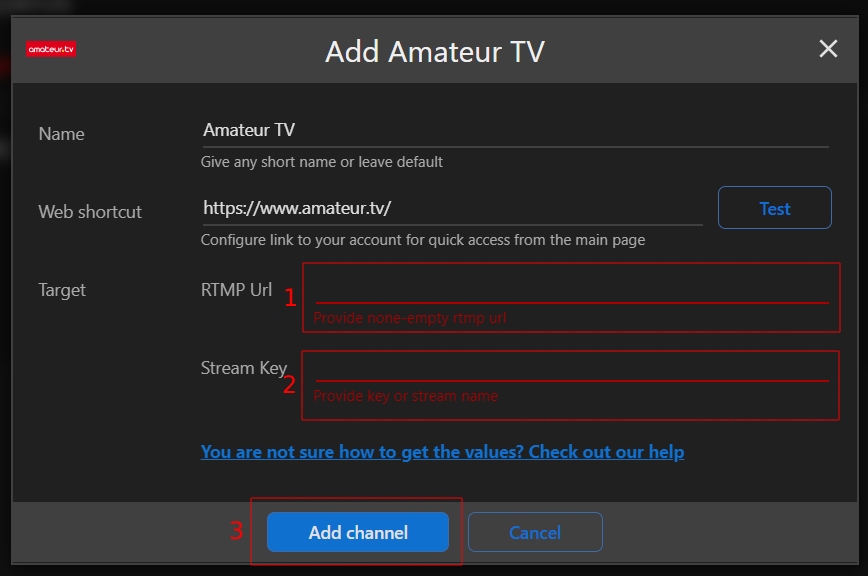
Step 3. Paste your RTMP URL (1), and Stream key (2), and click the “Add channel” button (3).
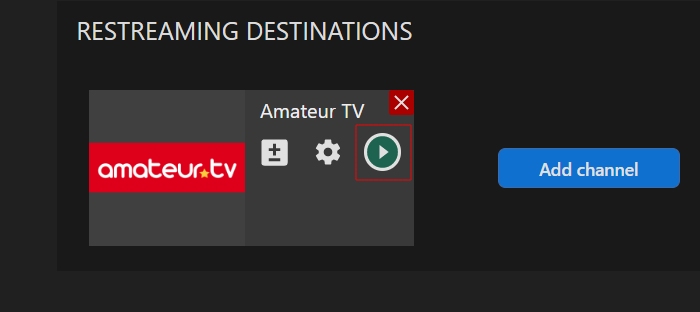
Step 4. Launch the live stream on the platform.
Discover more: Find out some useful information about setting up the live stream on cam sites on CAMGEMS by Streamster.