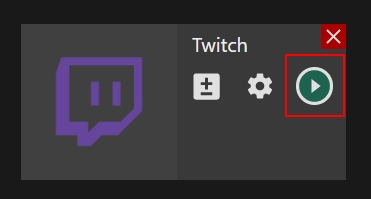
Desktop app | Twitch channel
Setting up an external encoder on Twitch
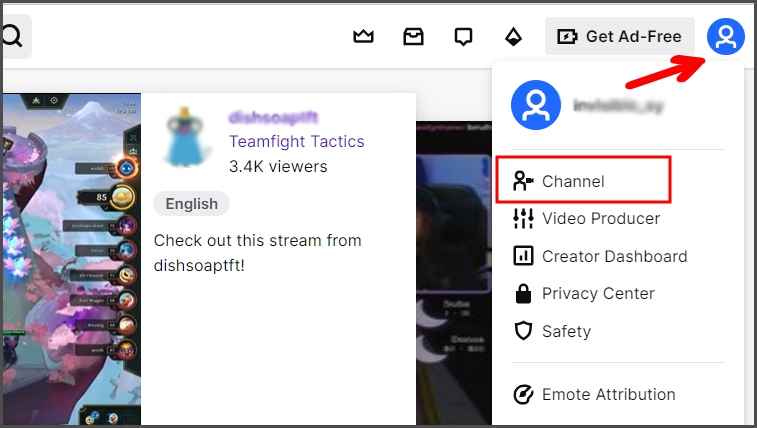
Step 1. Log in to your Twitch account, open the user menu, and choose the “Channel” section.
Step 2. Click the “Edit” button.

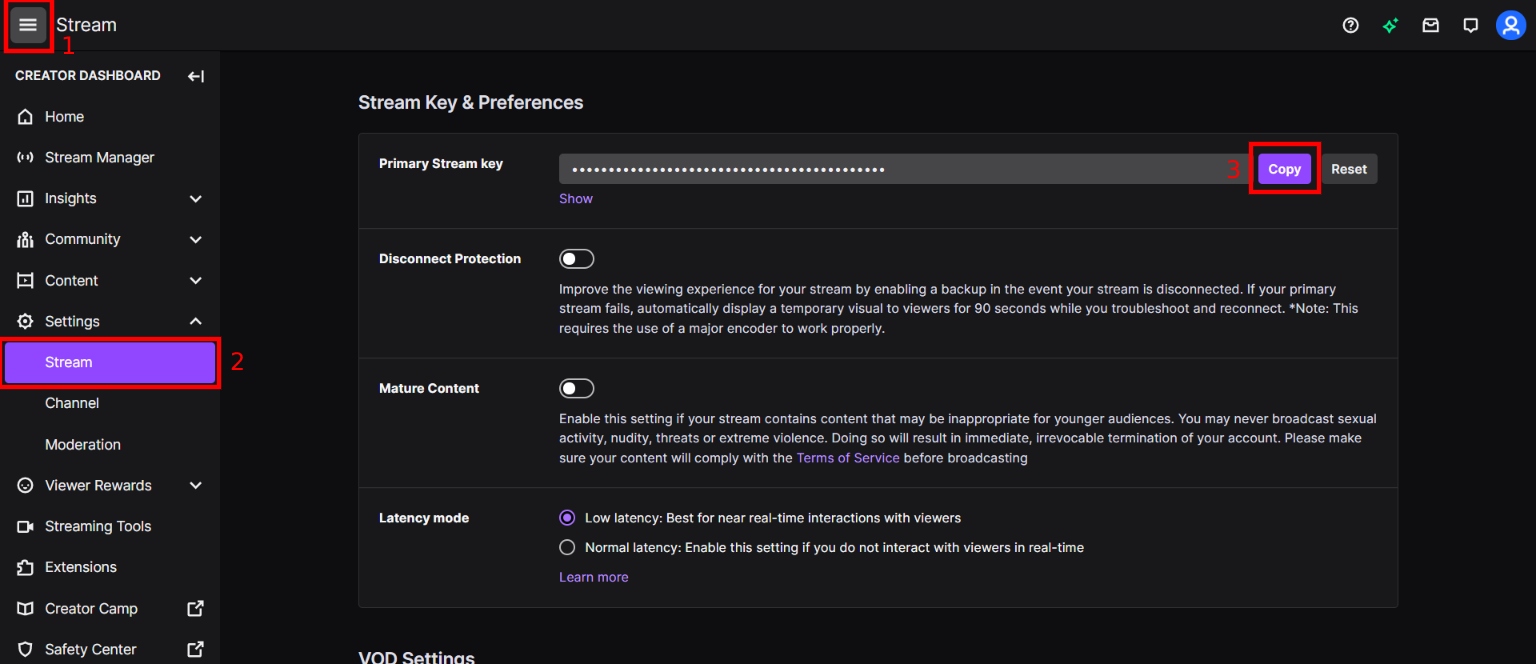
Step 3. Open the main menu (1), choose “Settings” – “Stream” section (2), and copy the Stream Key (3).
Setting up Twitch channel in the Streamster app
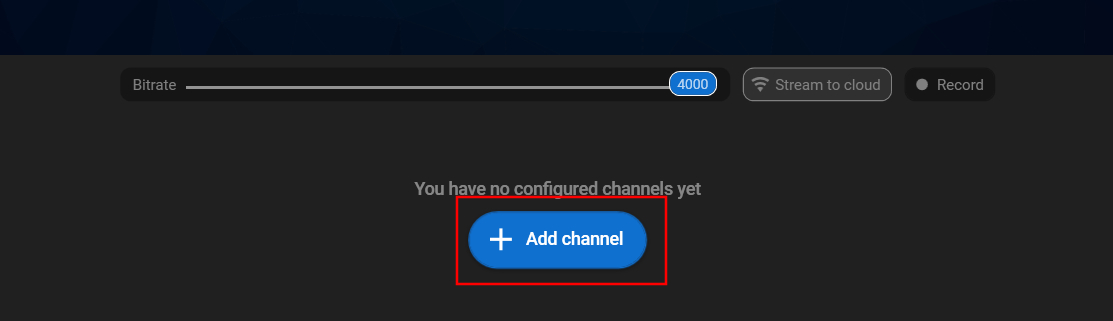
Step 1. Click the “Add channel” button.
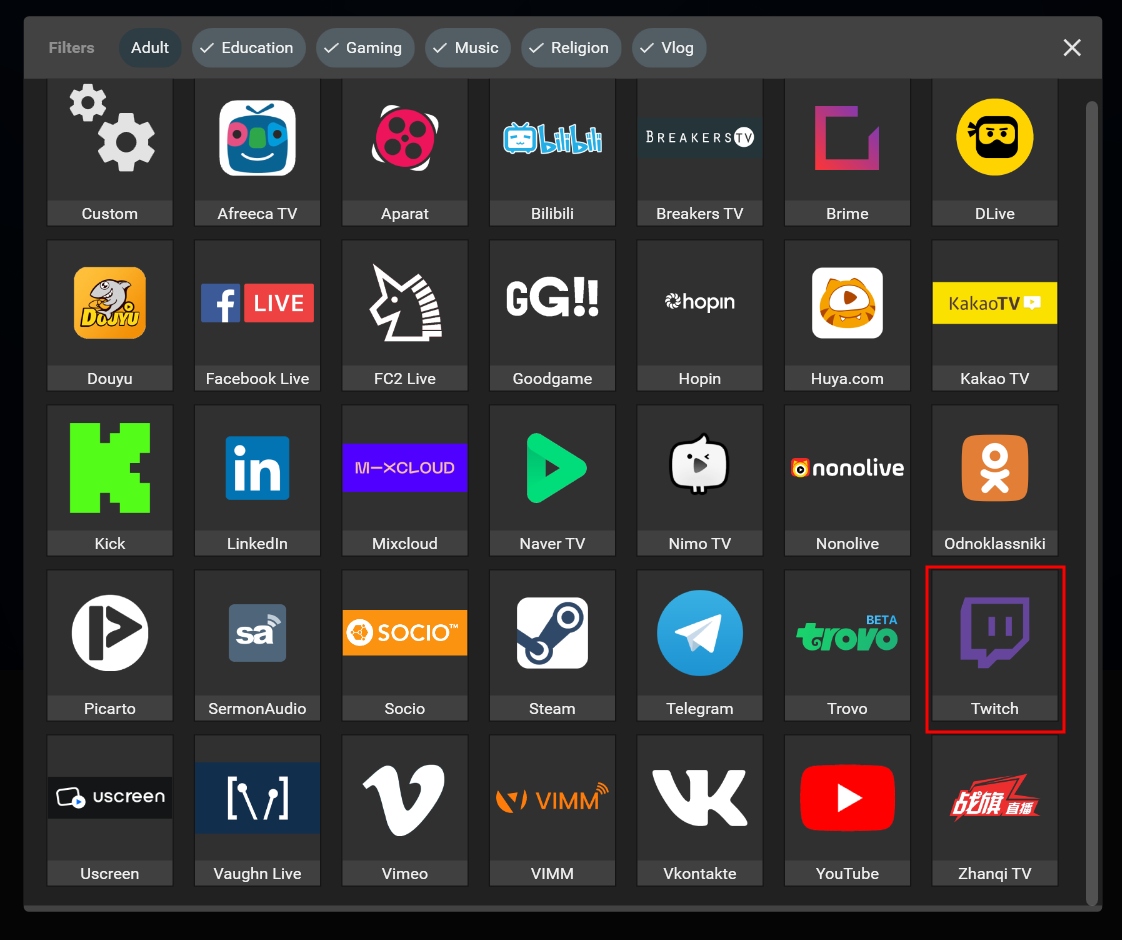
Step 2. Select the “Twitch” icon.
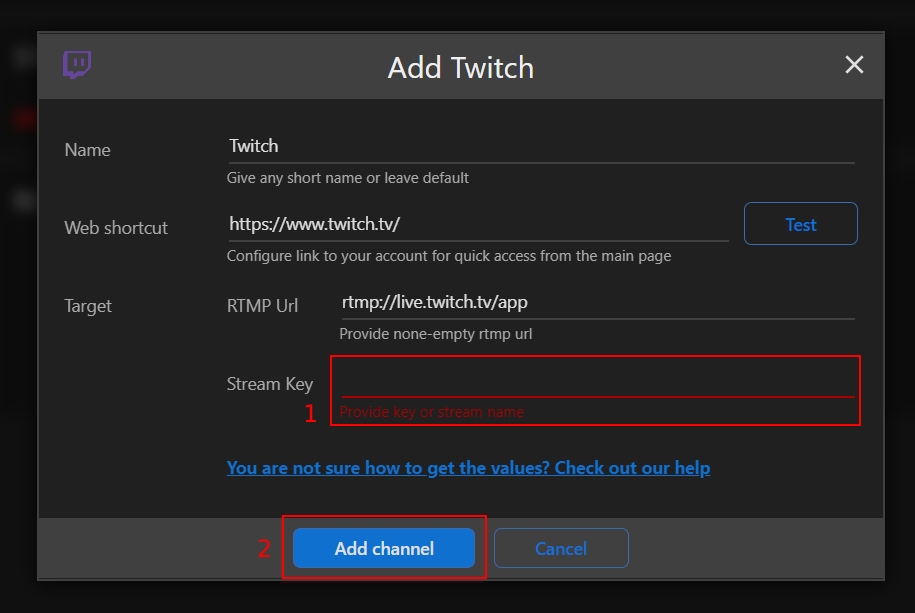
Step 3. Paste your Stream key (1), and click the “Add channel” button (2).
Step 4. Start your live stream.