
Starting/Stopping Stream to All Channels at Once
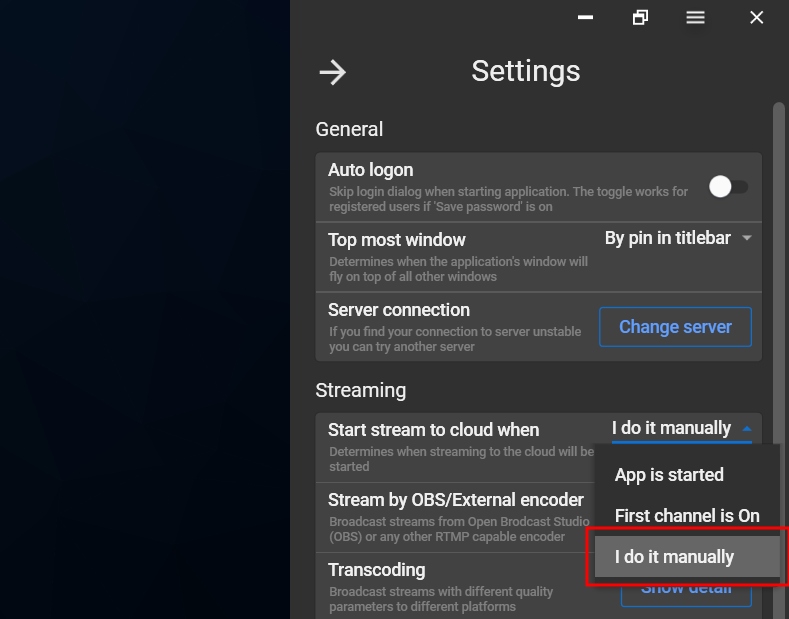
Step 1. Go to Settings – Streaming – Start stream to cloud when: “I do it manually”.
Step 2. Set up your channels and start streaming to each of them using “Play” buttons.
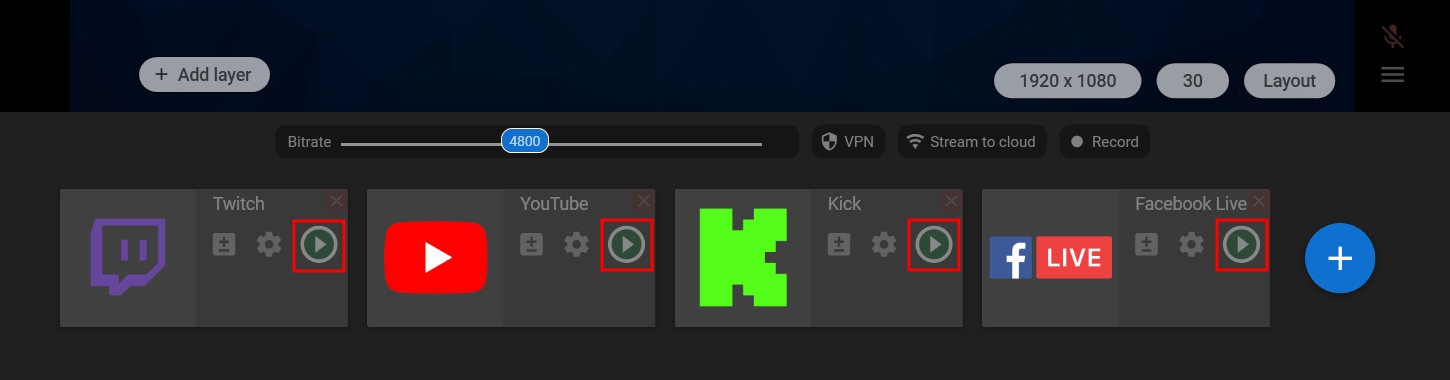
Step 3. Click the “Stream to cloud” to start streaming to the channels at once.

Step 4. Click the “Stream to cloud” button again to stop streaming to all channels at once.
