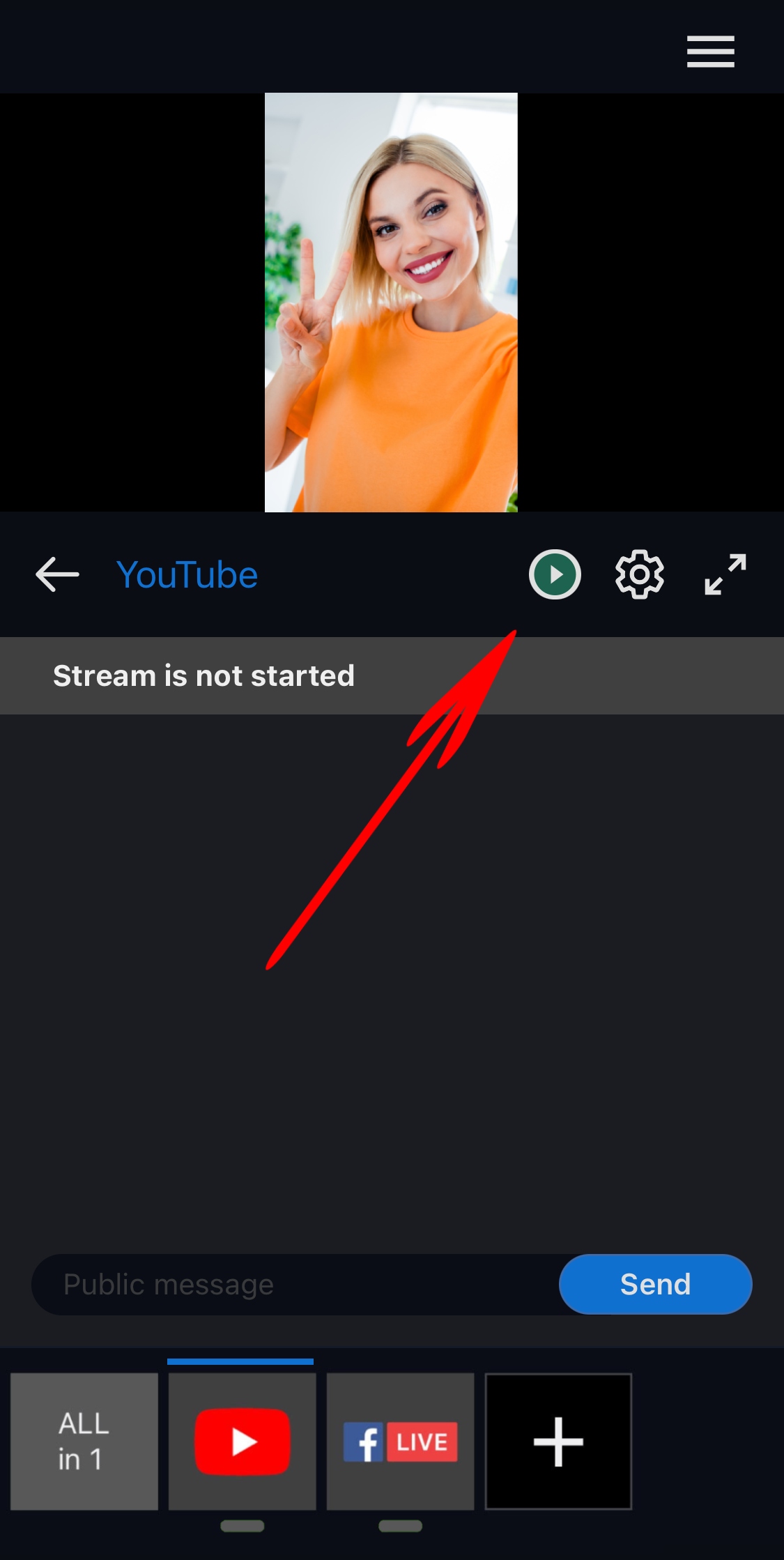
Streaming from the Mobile Device
Step 1. Launch your Streamster mobile app.
Step 2.Set up your streaming channels.
Step 3. Swipe your video preview up or down to switch between your front and back cameras.
Step 4. Type on the icon of streaming channel you want to start streaming to.
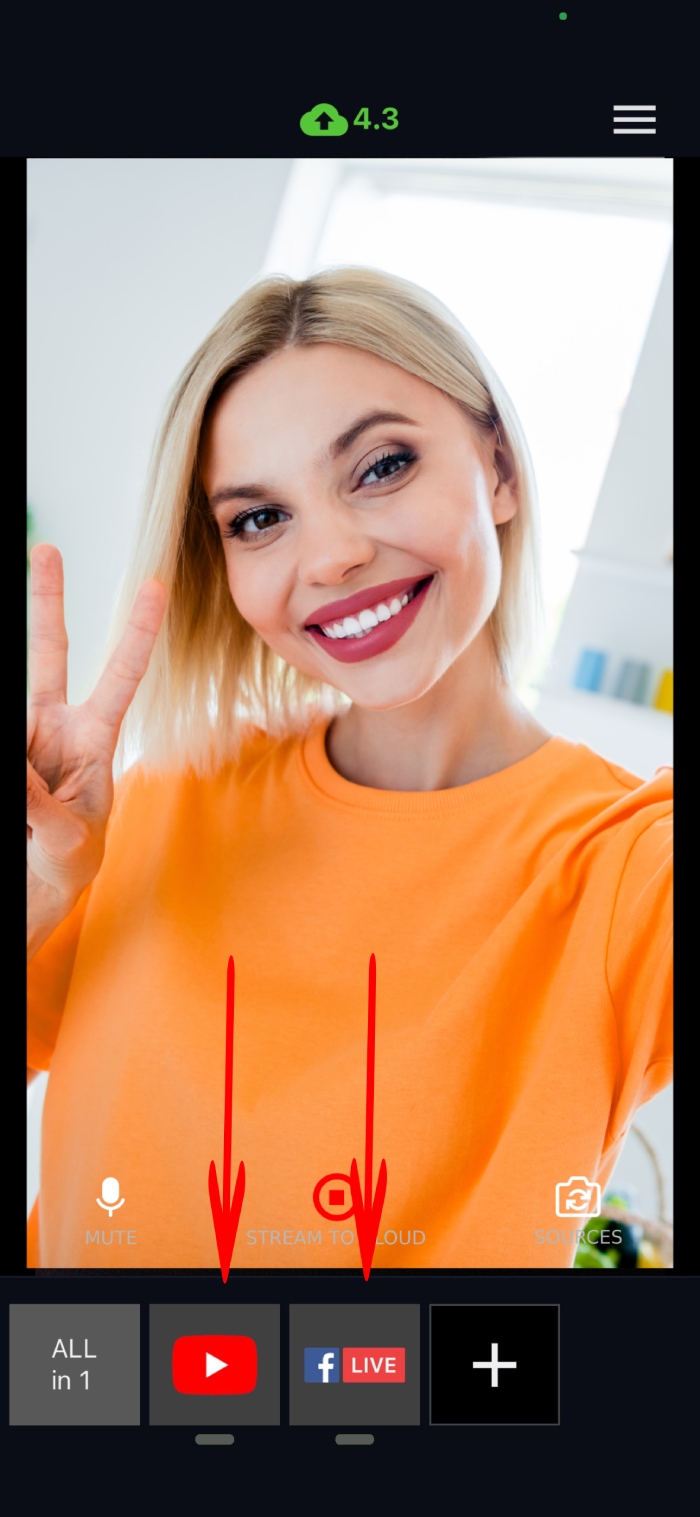
Step 5. Type on the icon of streaming channel you want to start streaming to.