
Setting Up Streaming Channels
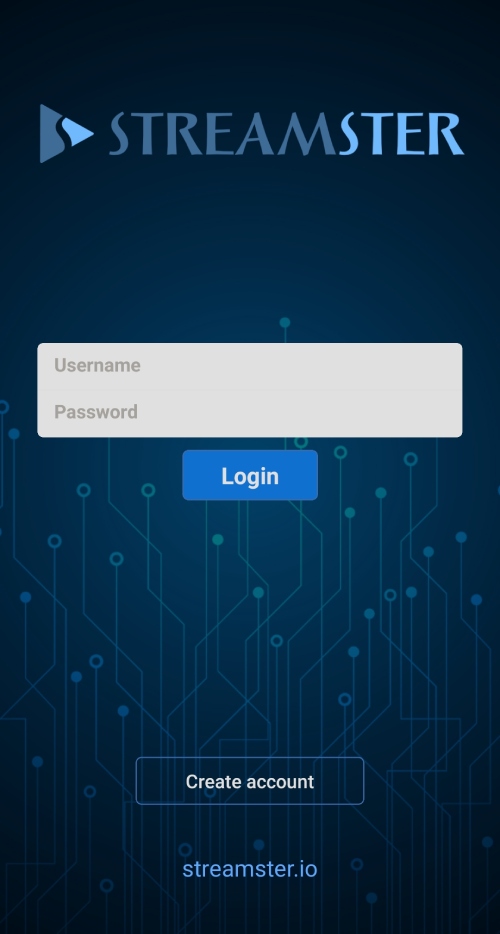
Step 1. Launch Streamster Mobile app with your credentials.
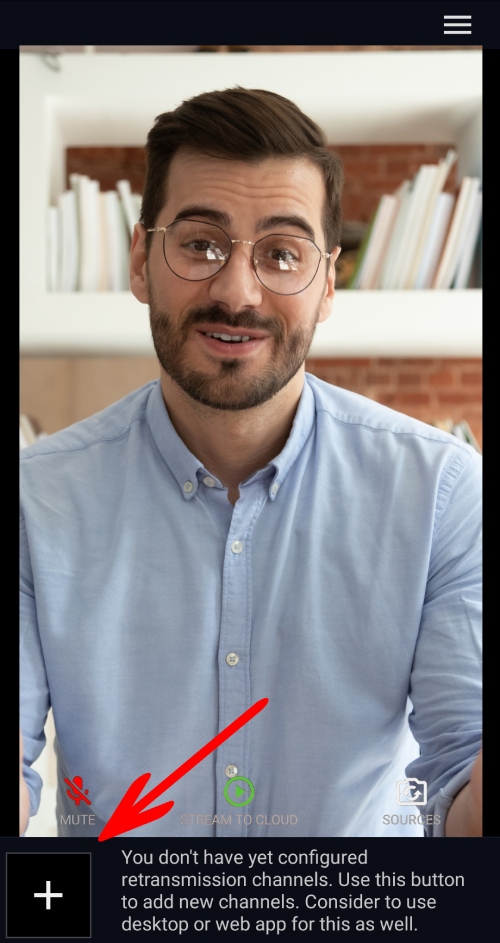
Step 2. Tap the “+” button to create your first streaming channel
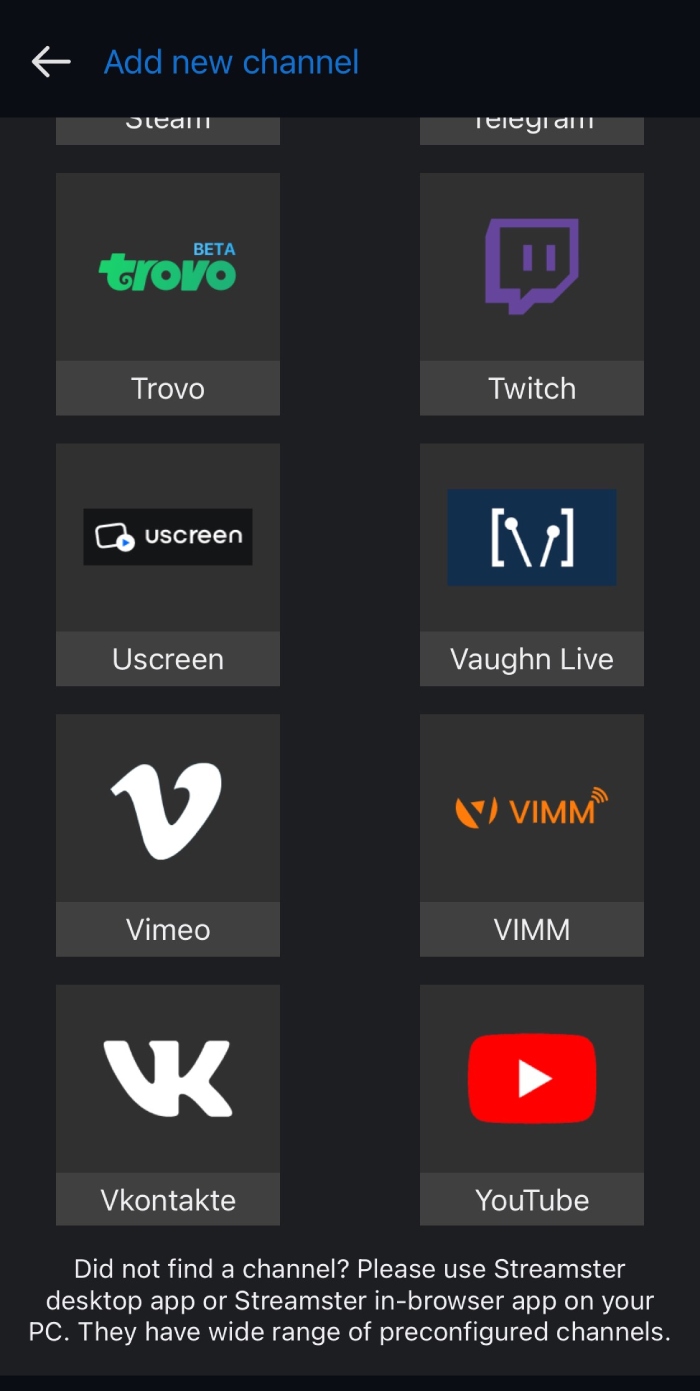
Step 3. Select the needed streaming platform from the list. If you can’t find the required platform but it supports RTMP streaming, or if you use the custom streaming server, please select the “Custom” channel.
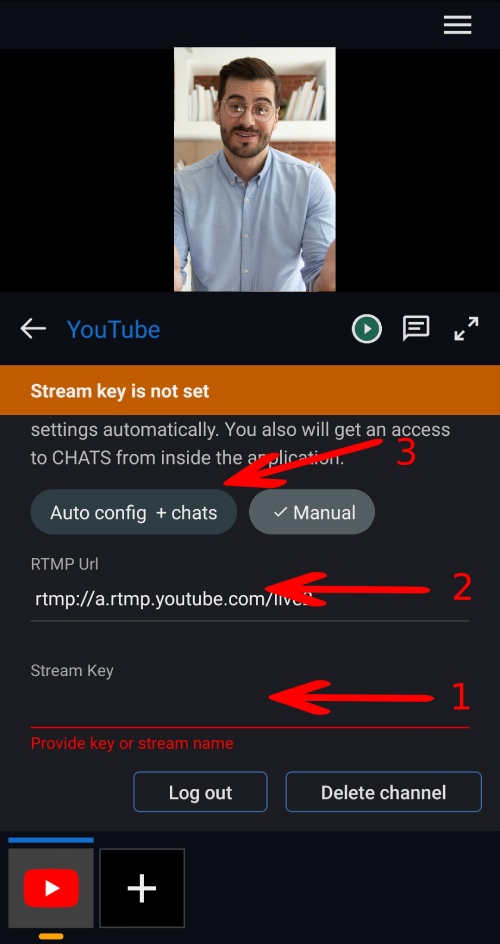
Step 4. Depending on the streaming platform you choose, paste your Stream Key (1), RTMP Url (2) and Stream Key (1). Alternatively, use the login/password authentication method (3) if it is available for the chosen platform.
Step 5. Once all set, click the “Play” button to start stream to the platform
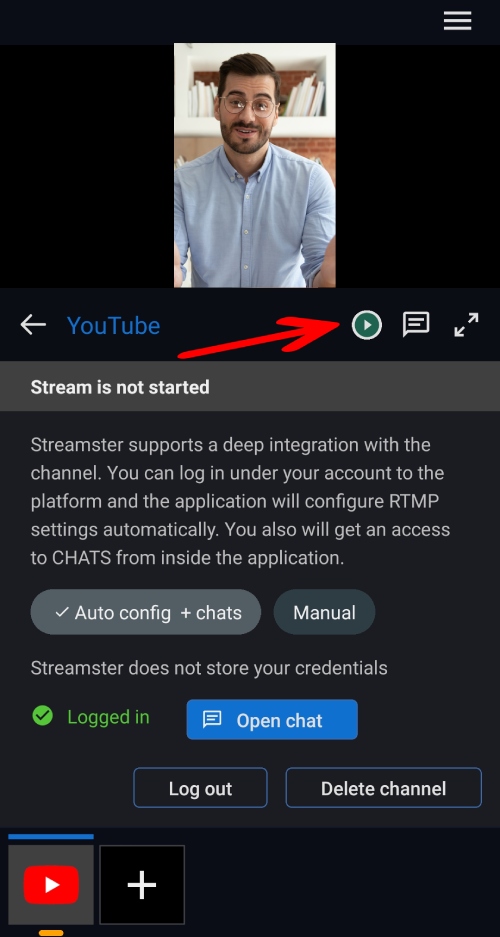
Step 6. If needed, setup more channels by clicking the “+” button once again.
Setup with PC/Mac: Please note, that alternatively you can setup your streaming channels on your computer at https://app.streamster.io/stream. Once saved, they will be available in your mobile app as well.