Switching Between Devices
Step 1. Log in to your Streamster account on multiple devices. You can use the following products for streaming:
- Desktop app to stream from PCs with Windows OS.
Guide: start streaming with Streamster desktop app
- Web app + external encoder to stream from PC, Mac, GoPro, etc.
Guide: start streaming with OBS and Streamster desktop app
- Mobile app to stream from Android or iOS mobile devices.
Step 2. Start streaming from your devices.
Step 3. Open your Streamster mobile app. The stream you’ve started first is currently active.
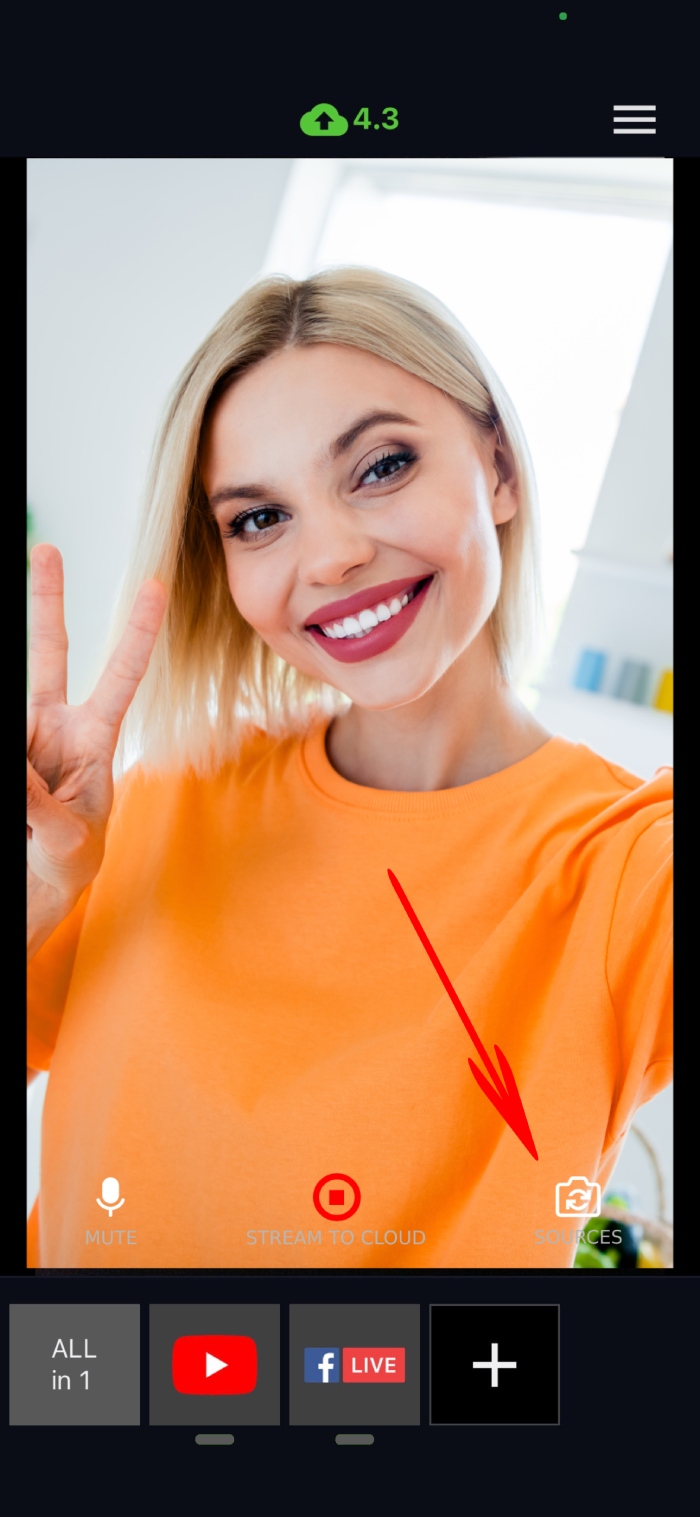
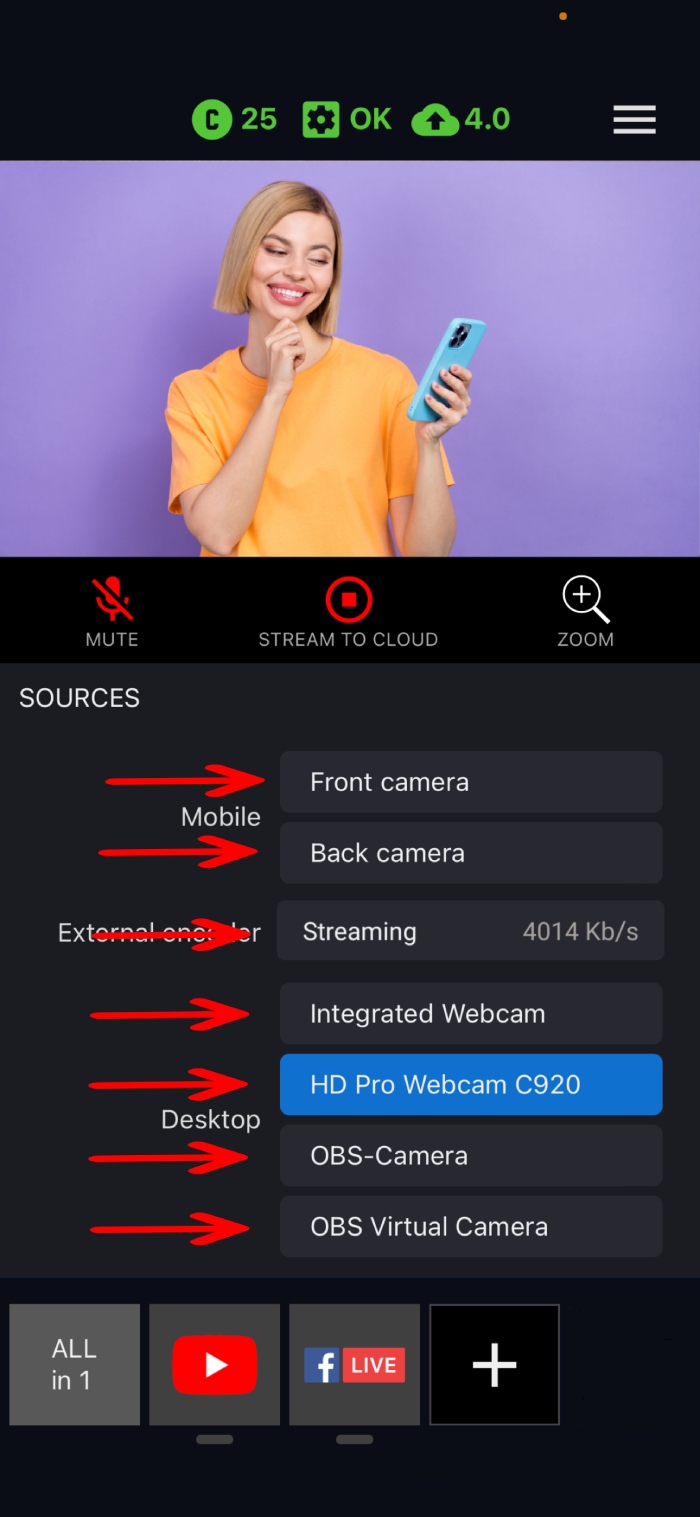
Step 4. Tap the sources button and select an available device or do choose the device on the main screen.