Record Video With Your Web Camera
With Streamster mobile app, you can start and stop recording for the web camera connected to your PC with your mobile device.
Step 1. Download and launch your Streamster desktop app
Step 2. Set up your web camera in Streamster desktop app.
Step 3. Launch Streamster mobile app.
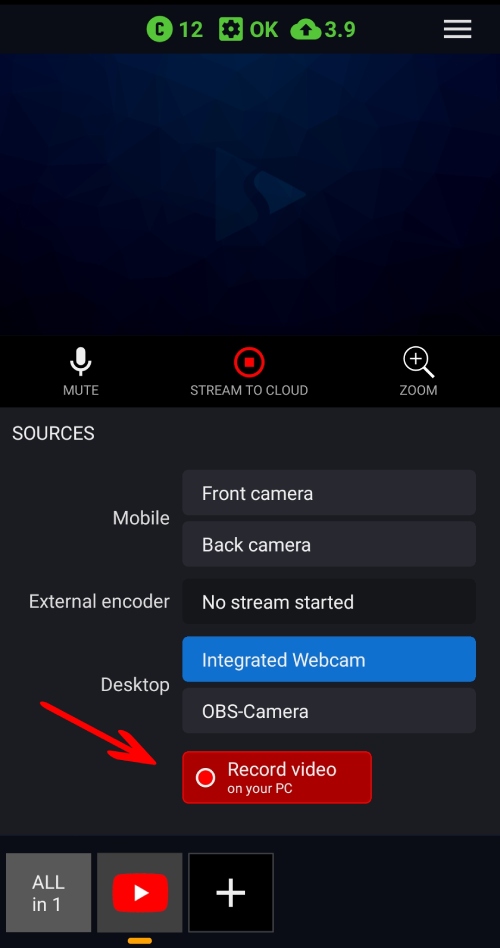
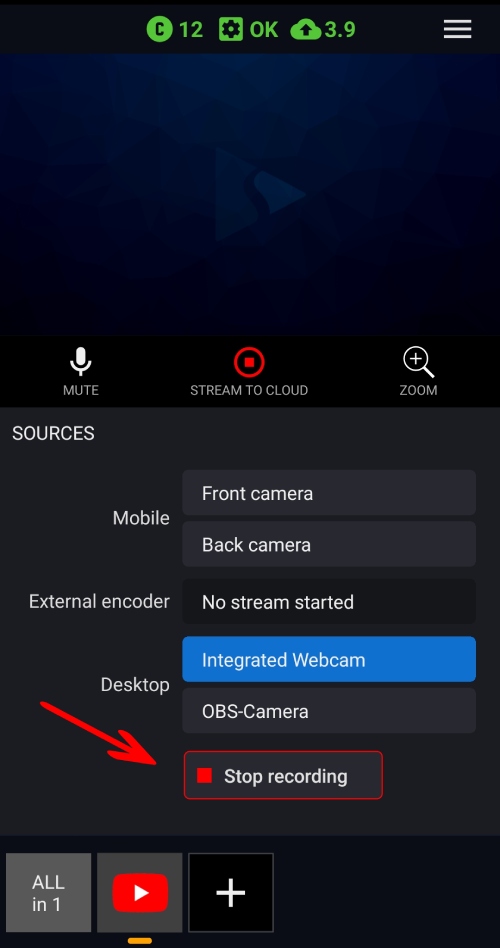
Step 4. Tap the “record video” button to start and stop recording your video or live stream. The video will be saved locally on your PC.