Flip Video
With Steamster app, you can flip your video horizontally to avoid the mirror effect.
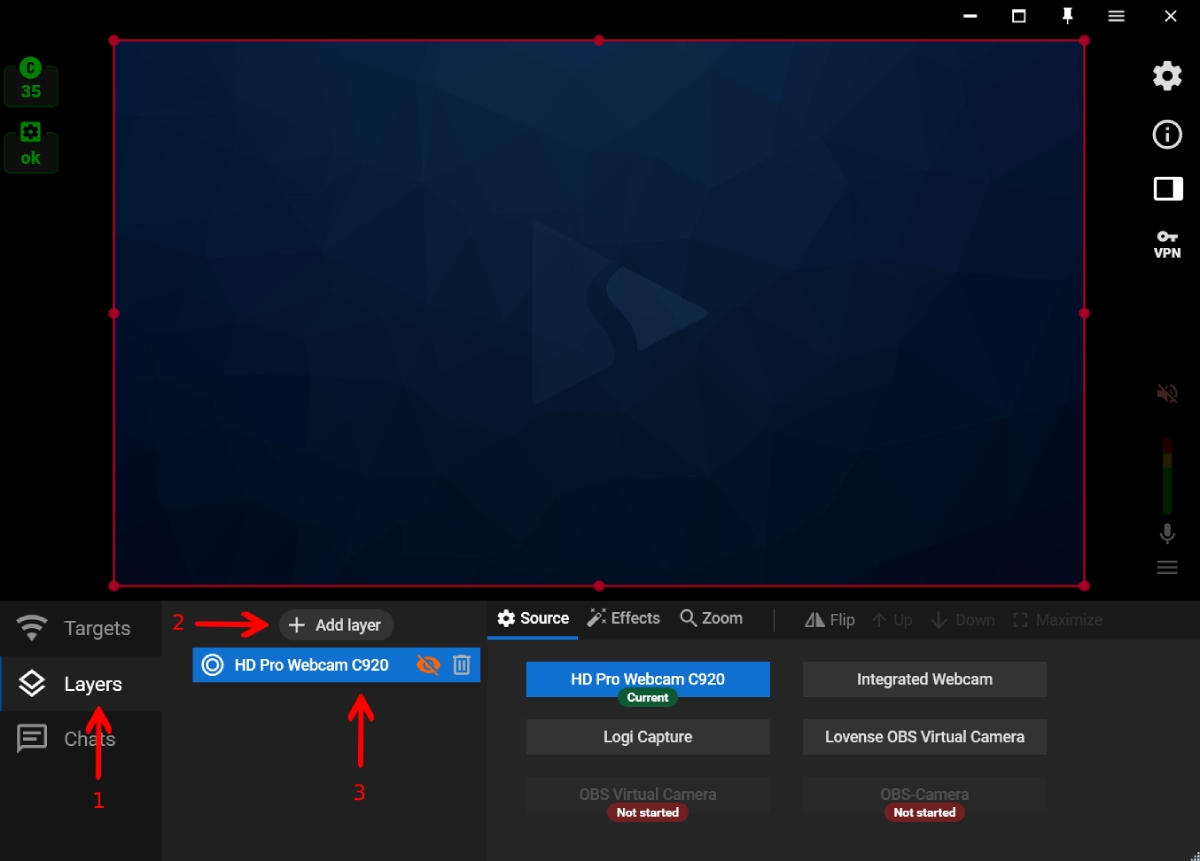
Step 1. Open the “Layers” tab (1). Create a new layer by clicking the ”+ Add layer” button (2) or select one of your existing web camera layers (3).
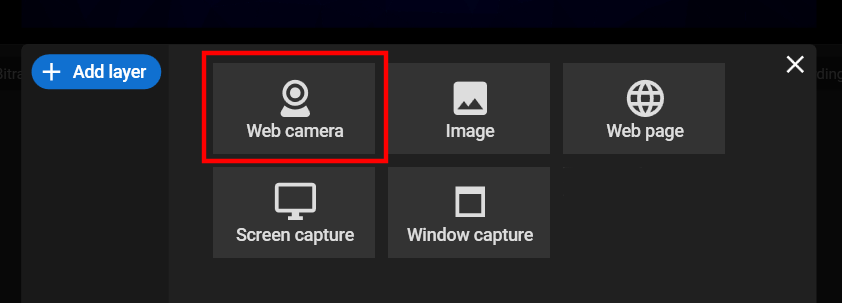
Step 2. Choose the video source, e.g. “Web camera”, and select the needed camera from the list of devices.
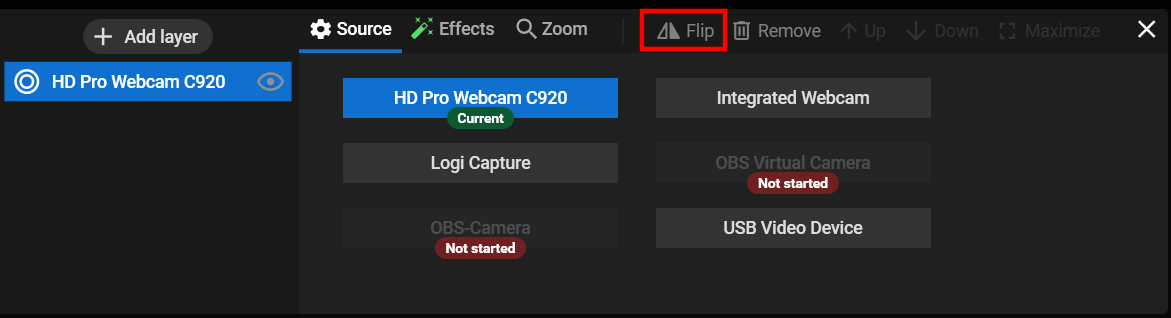
Step 3. Go to your video source settings and click the “Flip” button.