Camera Zoom
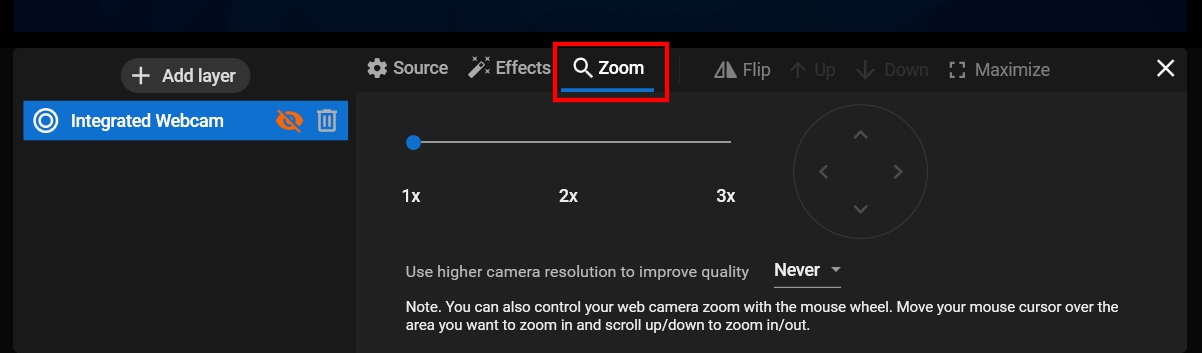
With Streamster, you can zoom in/out your video during the live stream. The most simple way is just to control your web camera zoom with the mouse wheel. Move your mouse cursor over the area you want to use zoom and scroll up or down to zoom in or out.
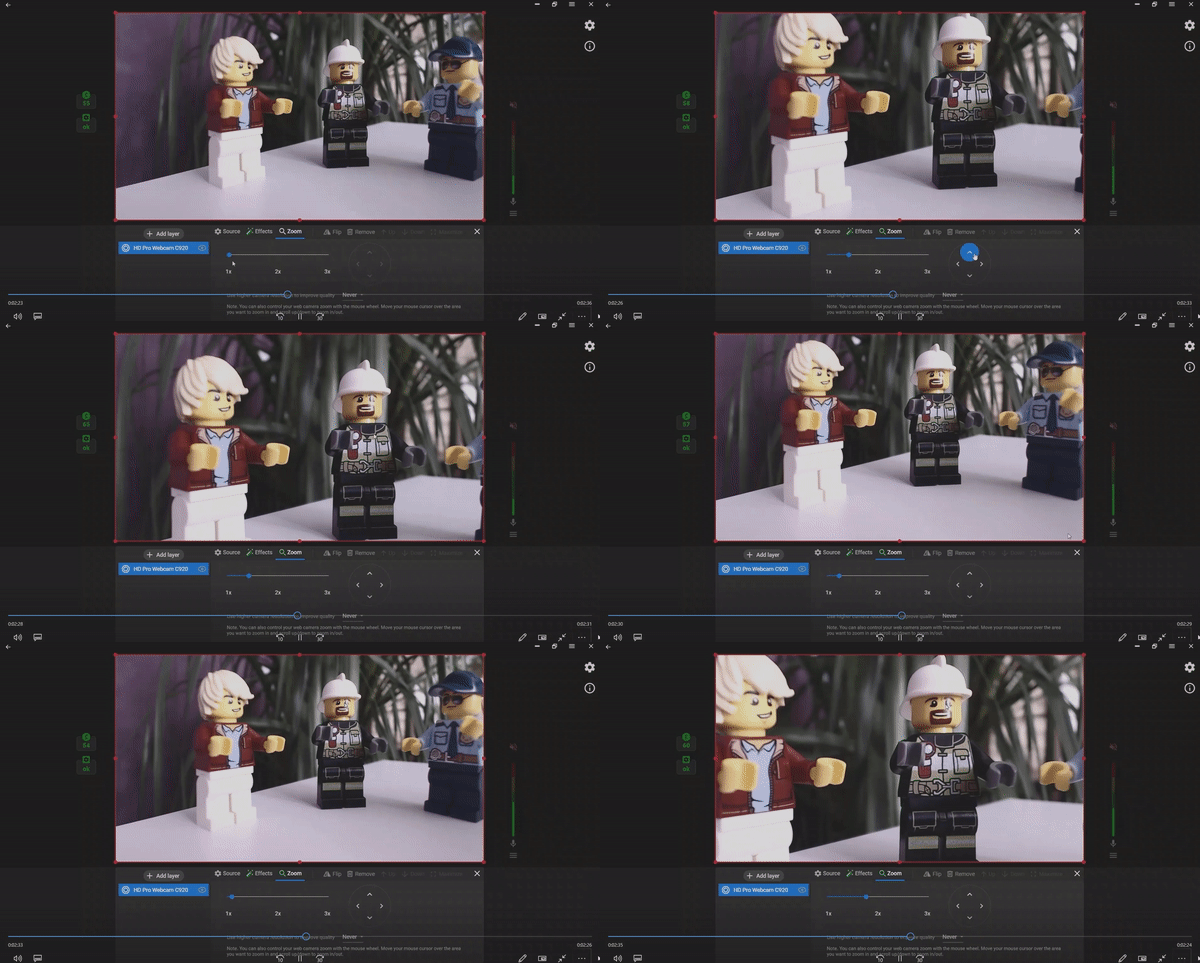
You can also control zoom in the layer settings. Choose the needed layer, Click the “Zoom” tab to bring your video closer. Also, here you can set an option to change the camera resolution to improve the video quality.