
Creating Accounts for Streamers
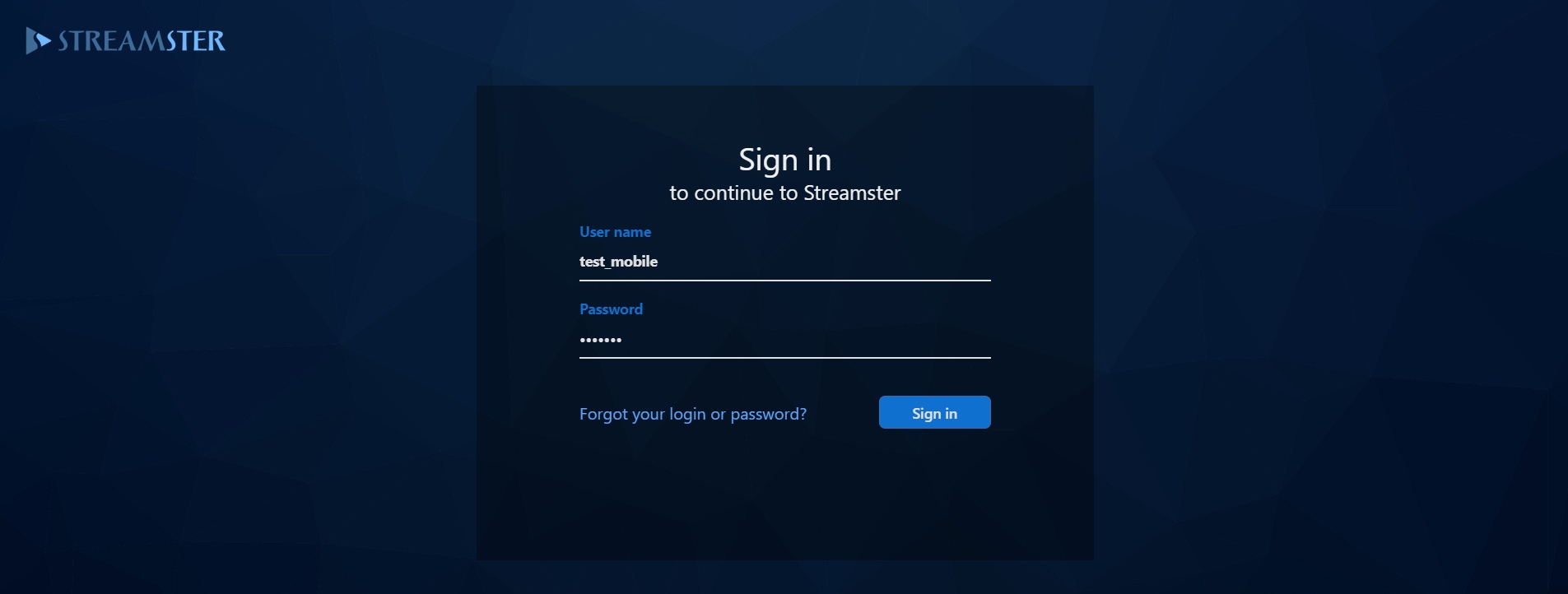
Step 1.Sign in to your business account.
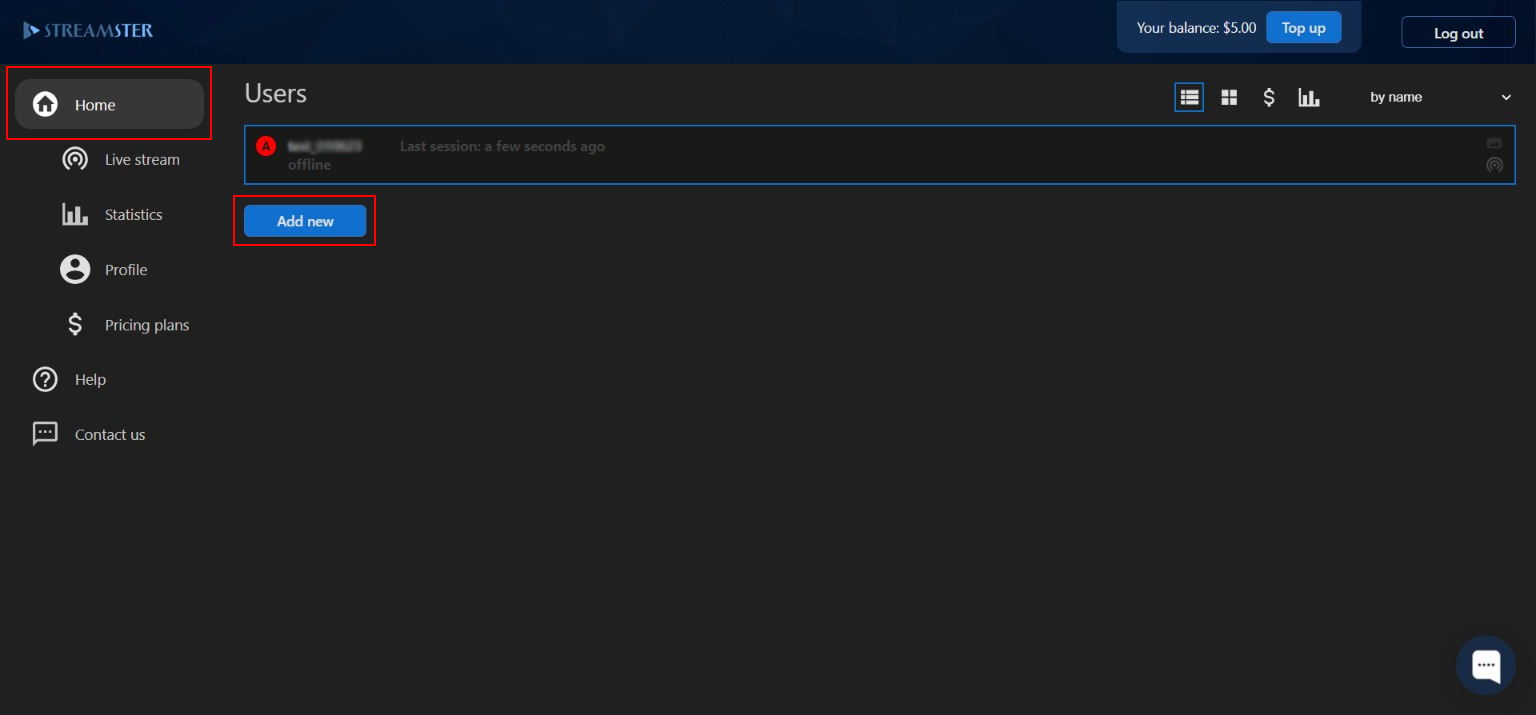
Step 2. Click the “Add new” button on the main dashboard under your user list.
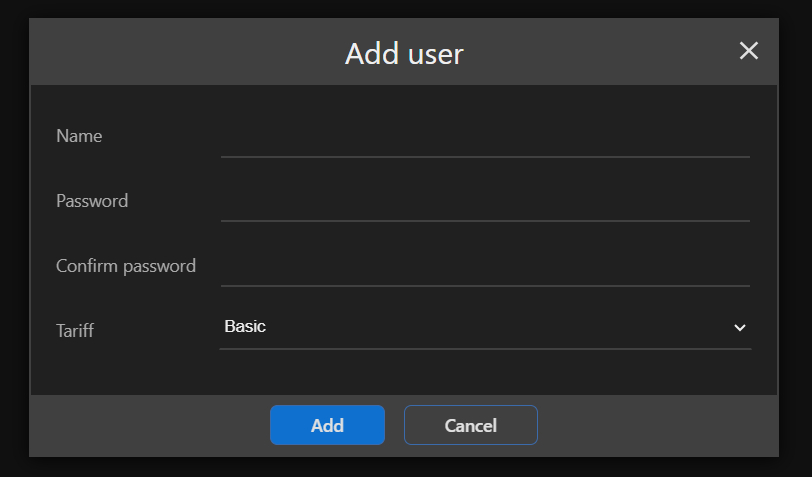
Step 3. Enter the username and password for the new user account. Please note, that the username should be unique among all Streamster users. Also, please select the pricing plan for the new user. It can be changed at any time later. Once all fields are completed, click the “Add” button.
Step 4. Provide login credentials to the content creator. They may be used for Streamster desktop app, web app, or mobile app.