Creating a Business Account
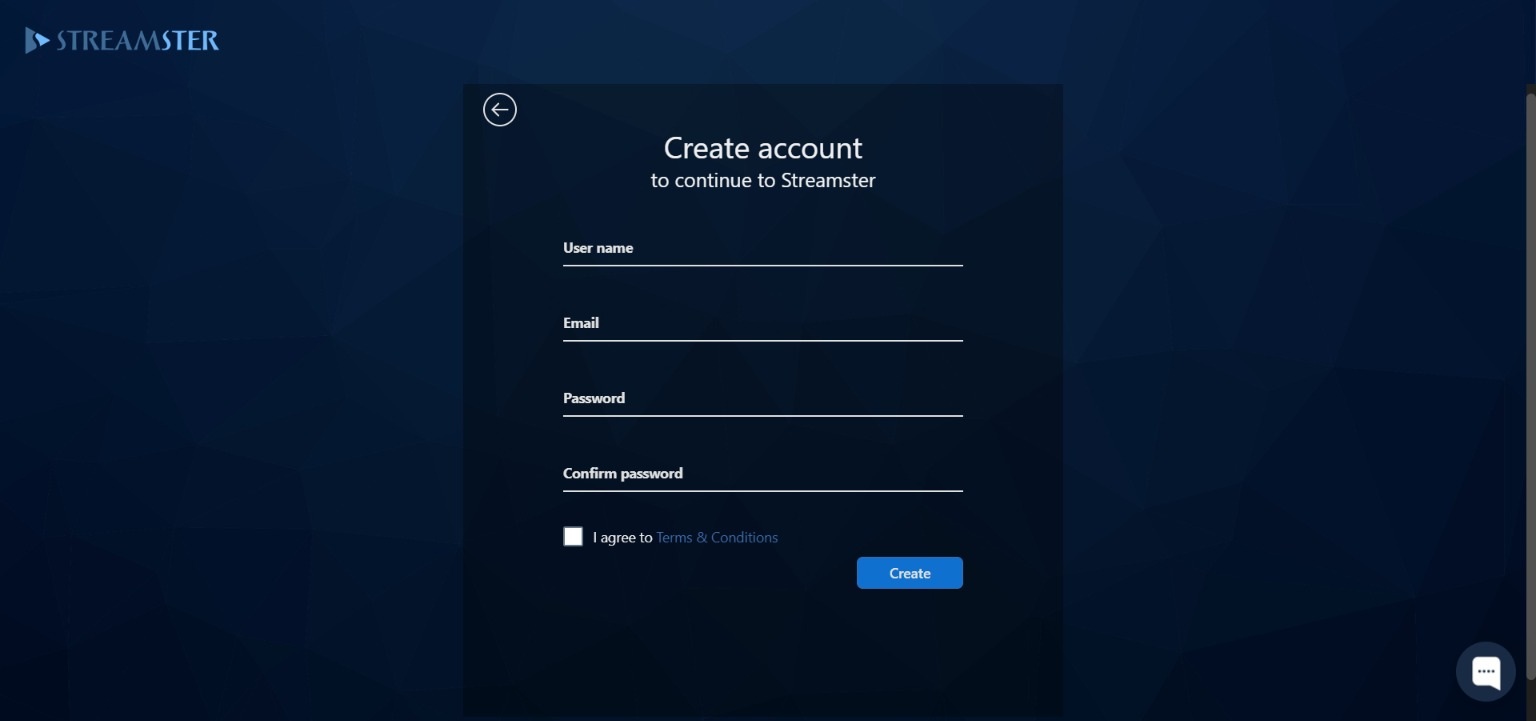
In order to create the business account, first you need to sign up with the Streamster individual account. Please fill out or registration form at https://app.streamster.io/register and click the “Create” button.
Once your account is created, please verify your email address and sign in to your account at https://app.streamster.io/
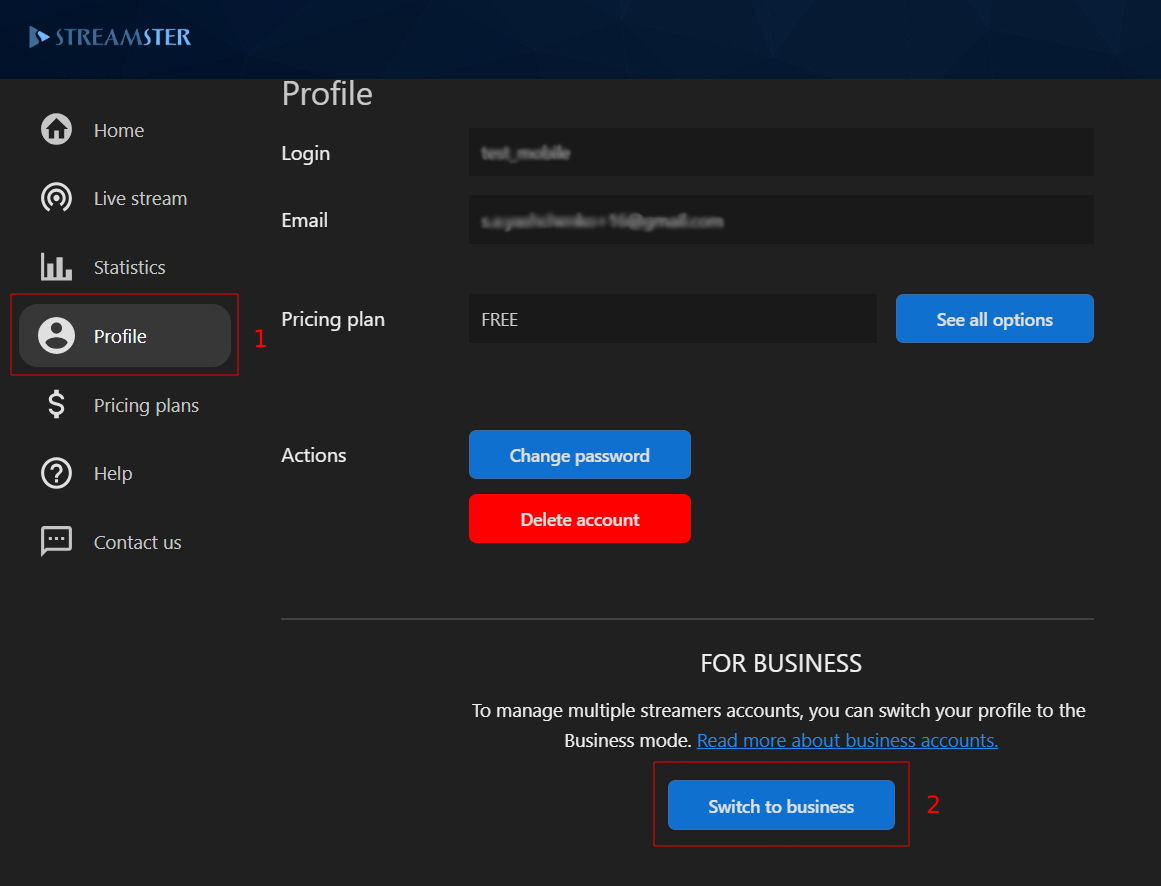
To switch your account to business type, go to the “Profile” section (1) and click the “Switch to business” button (2).
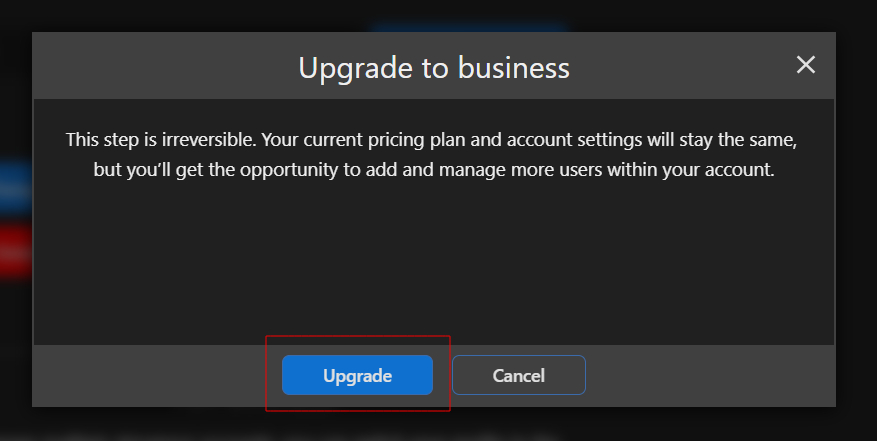
Confirm the transformation by clicking the “Upgrade” button.
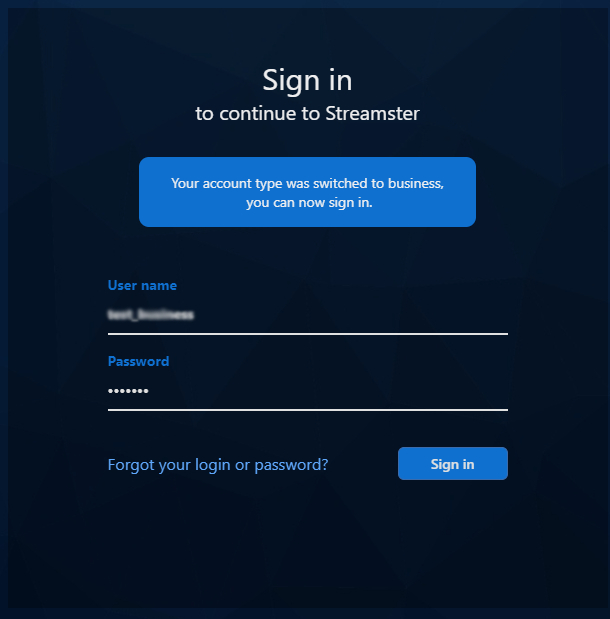
Sign in to your account to have access to Streamster Business Studio features.