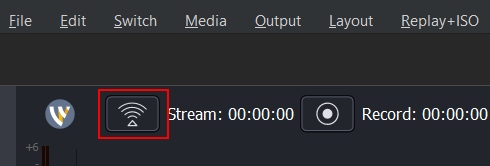
Starting Your Stream with Wirecast
Step 1. Sign in to the Streamster web app.
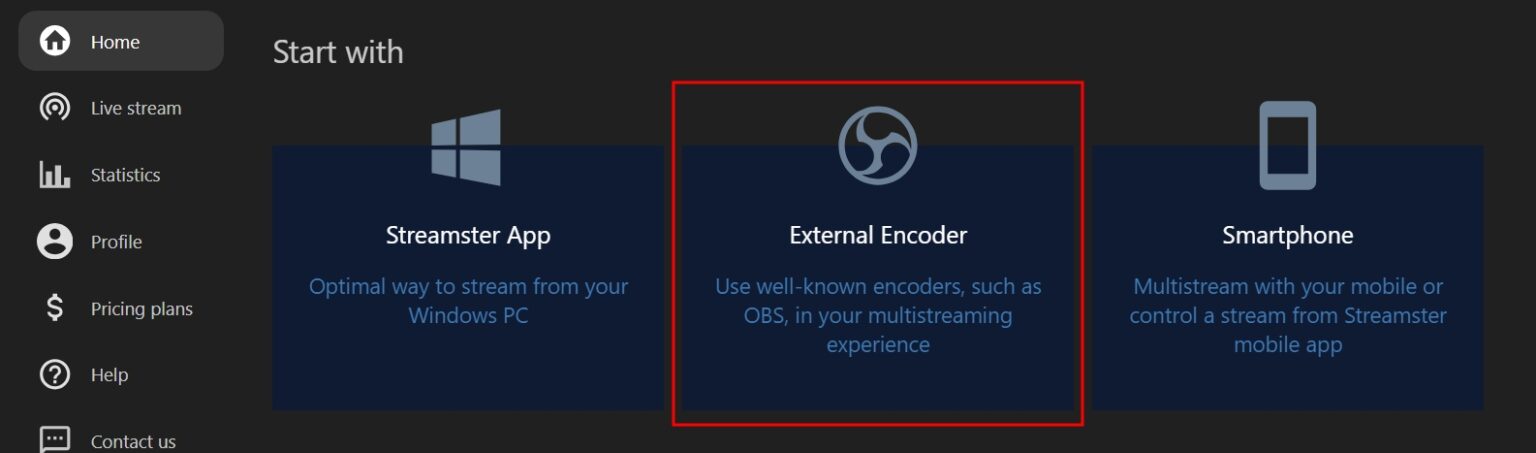
Step 2. Click the “External Encoder” banner.
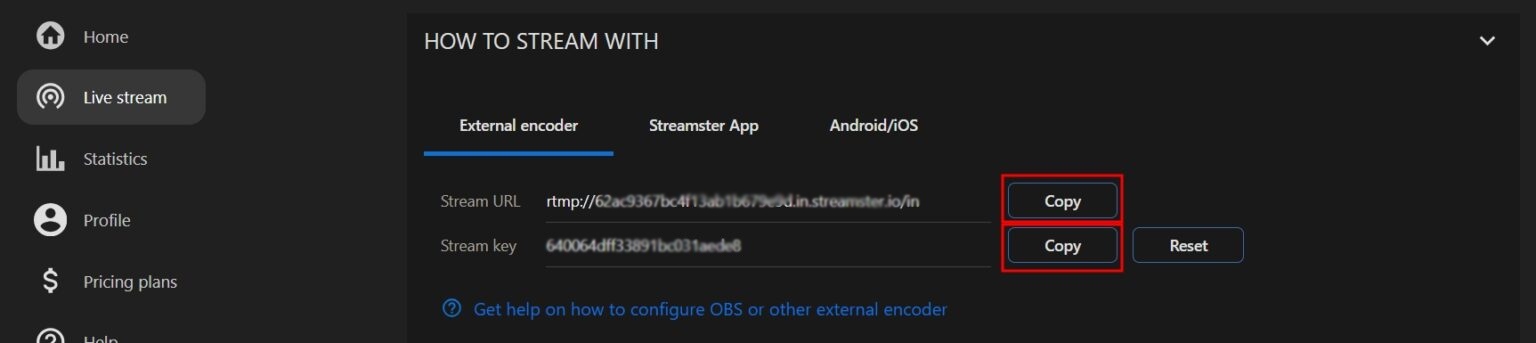
Step 3. Find your “Stream URL” and “Stream key” values and copy one of them.
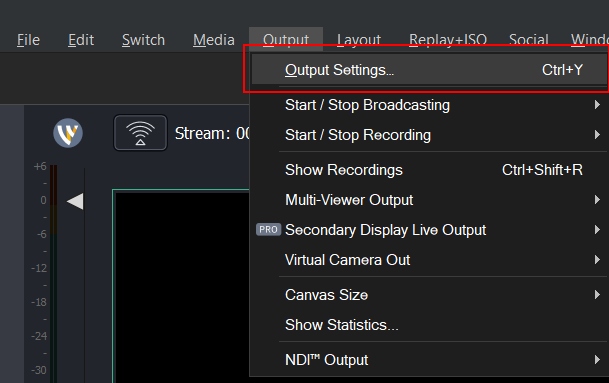
Step 4. Open Wirecast, select the “Output” section in the main menu, and click on the “Output Settings…” option.
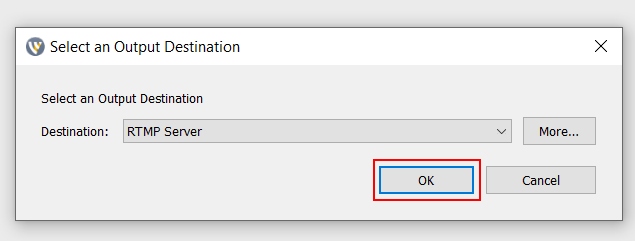
Step 5. Click the “OK” button.
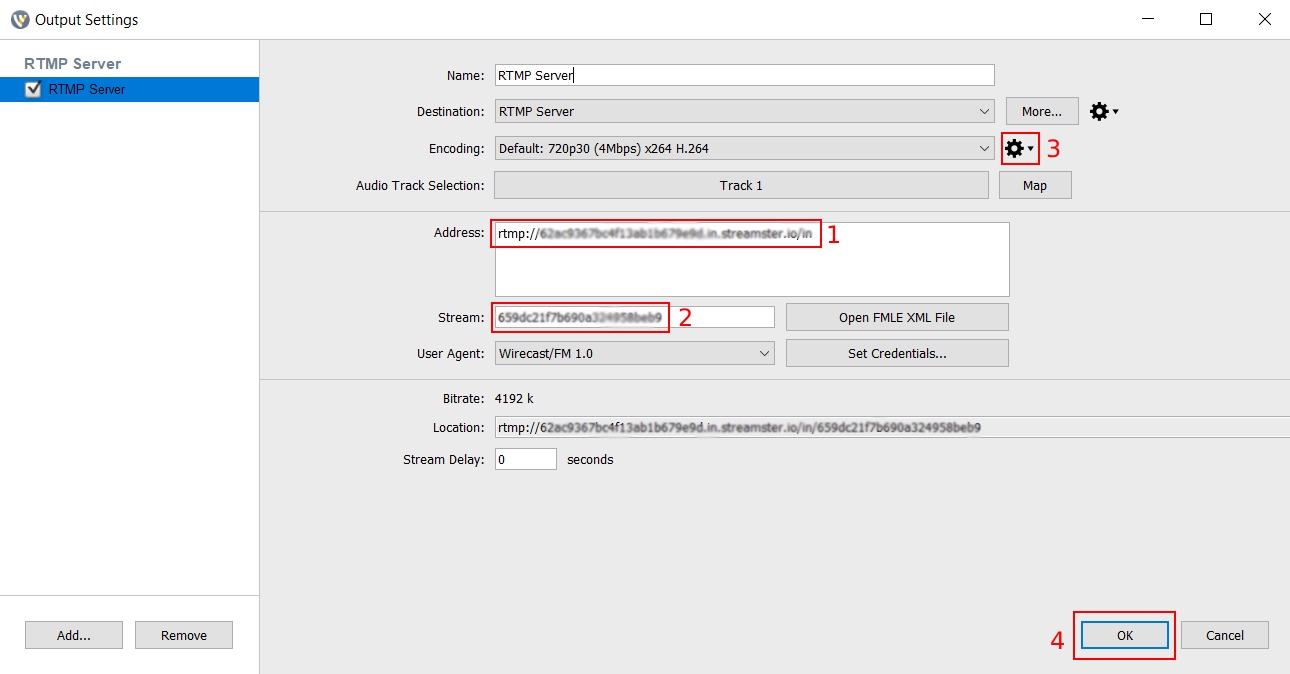
Step 6. Copy your Stream URL from Streamster to the “Address” field in Wirecast (1). Copy your Stream Key to the “Stream” field (2). If needed, change your video preferences (3). Once all set, click the “OK” button (4).
Step 7. Once your stream scene is set up, start your broadcast to Streamster server.