Transcoding
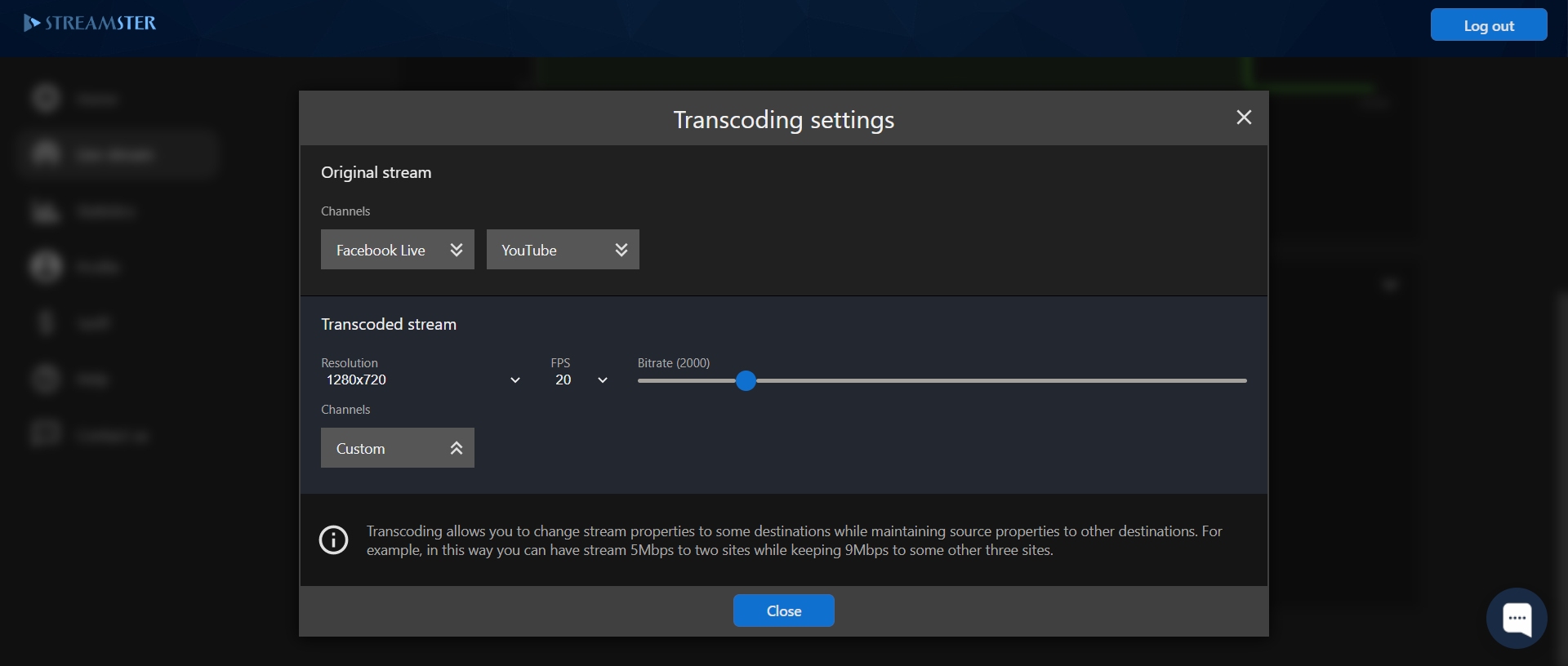
The transcoding feature allows setting different video quality for different platforms: you are able to choose Resolution, FPS, and bitrate for the original stream, and set different parameters for the transcoded stream. The feature is available for Regular, Professional and Premium pricing plans.
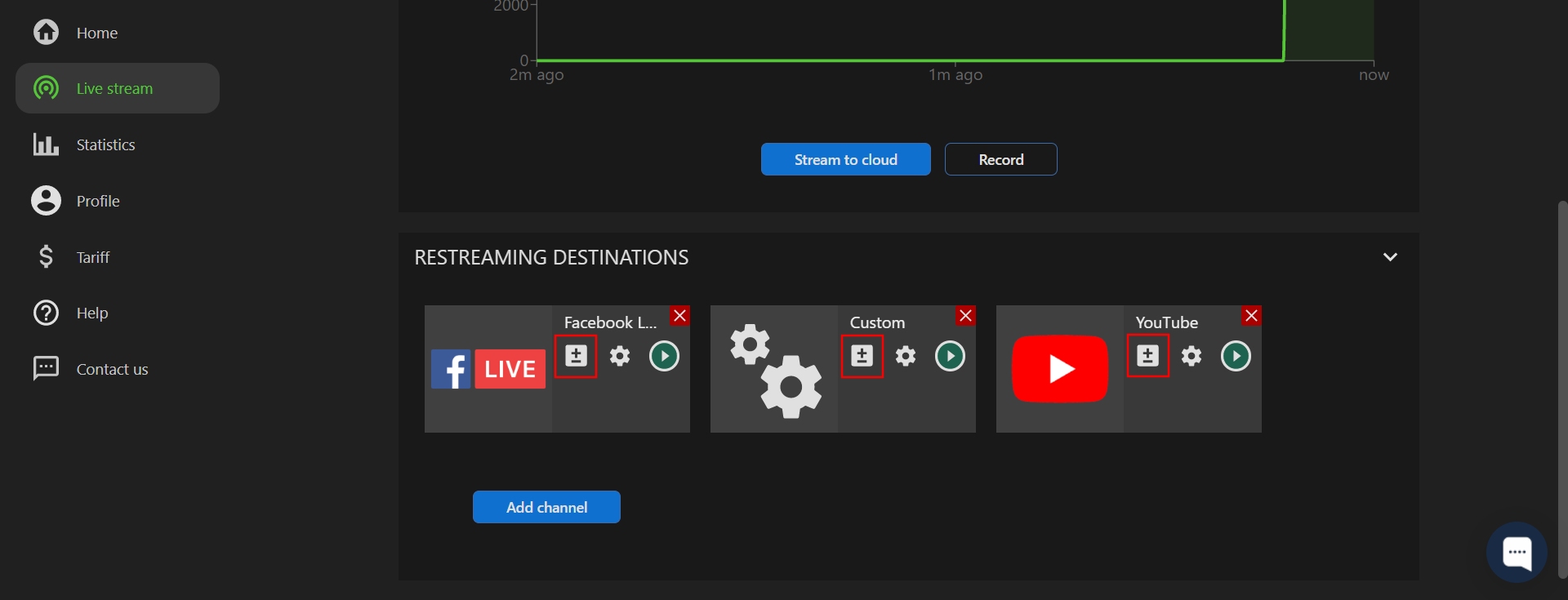
To set up the transcoded channel, please click “+/-” icon for the needed channel.
On the pop-up, please choose Resolution, FPS, and/or bitrate for the transcoded stream. Then assign your streaming channels to the original or transcoded quality.