Download & Install
In order to use Streamster, please download and install our application for Windows:
Once the download is complete, double-click the file (Streamster.exe).
Follow the instructions to install Streamster on your computer.
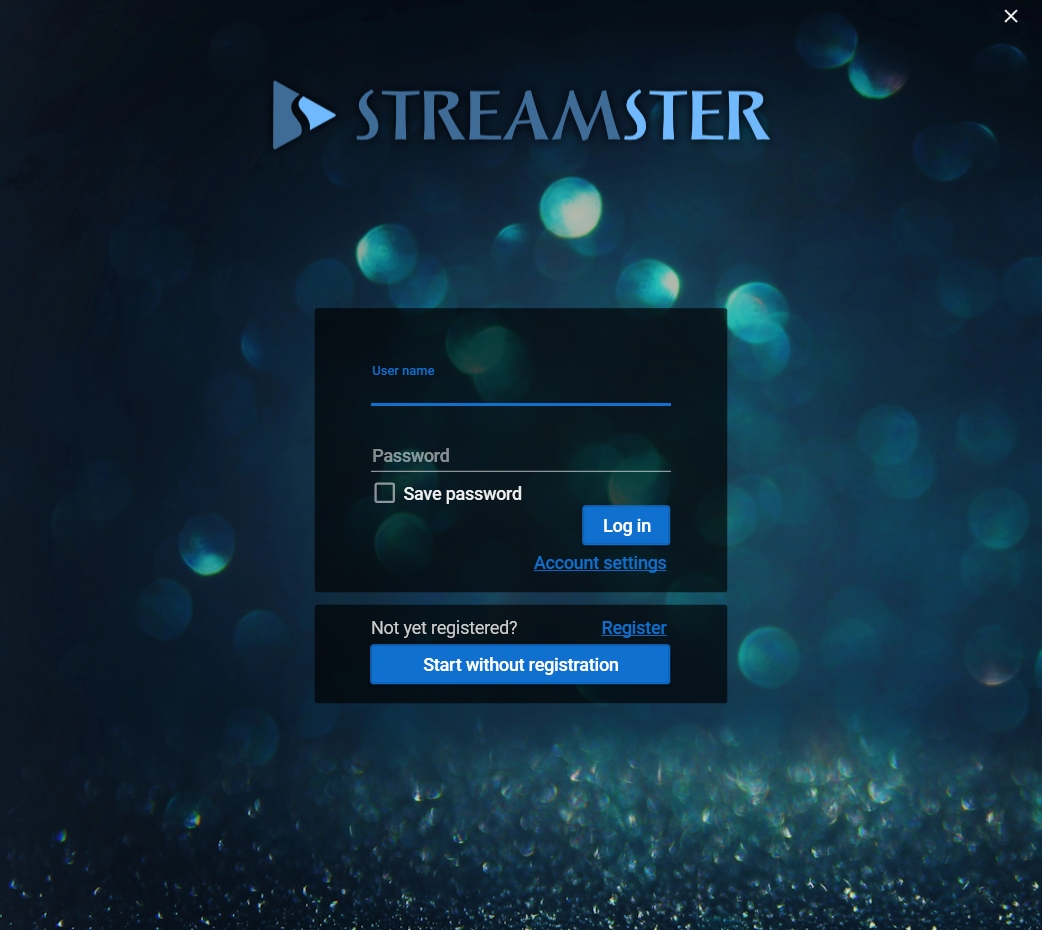
Once the installation is complete launch Streamster application, fill login and password fields with your Streamster account credentials and press the “Login” button, or use the “Start without registration” button.