
Editing Accounts
Step 1. Sign in to your business account.
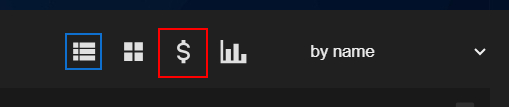
Step 2. Choose the “Accounting” view of the dashboard in its right top corner.
Step 3. If needed, change the pricing plan or password or remove the user. Also, on this screen, you can see the users’ usage statistics and subscription information.