Getting Started with Streamster Desktop App
Step 1. Download and install Streamster desktop app.
Step 2. Create an account with Streamster.
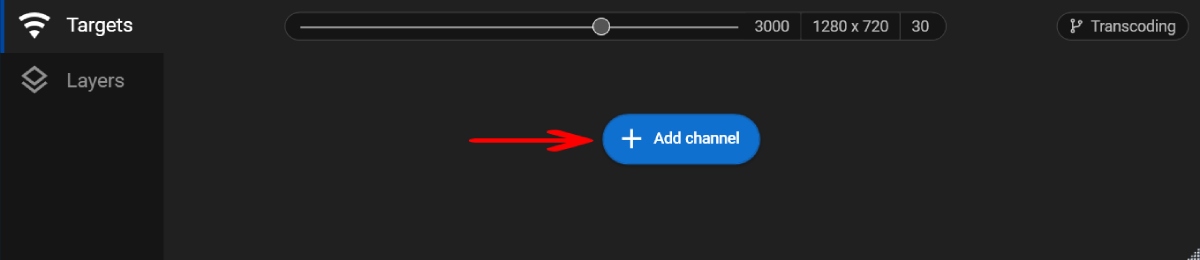
Step 3. Click the “Add channel” button.
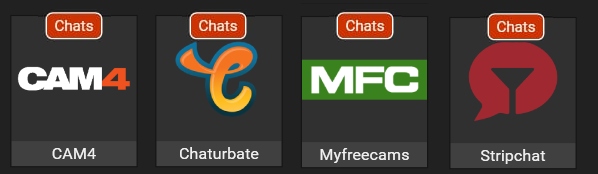
Step 4. Select one of the platforms with the chat feature available (they are marked with the red “Chats” label)
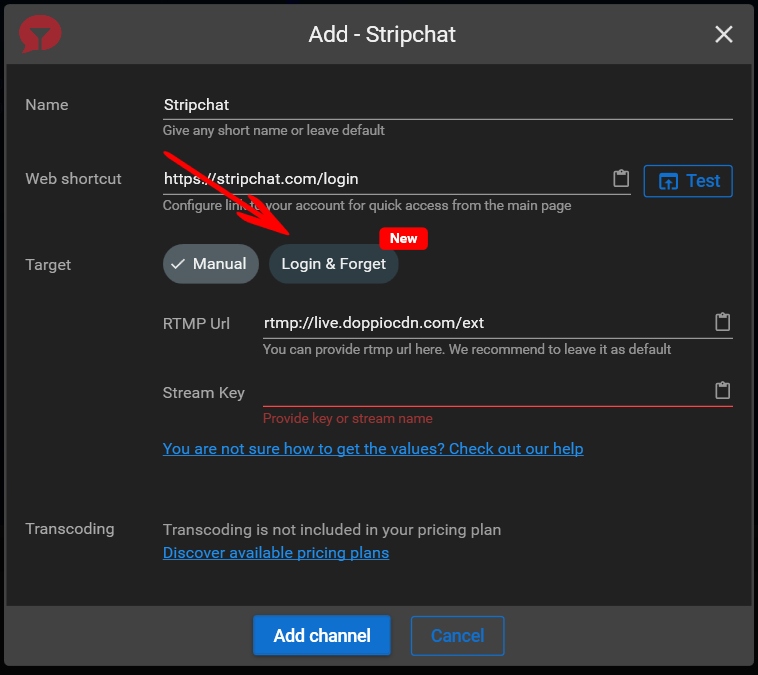
Step 5. Click the “Login & Forget” button.
Step 6. Click “Login” button.
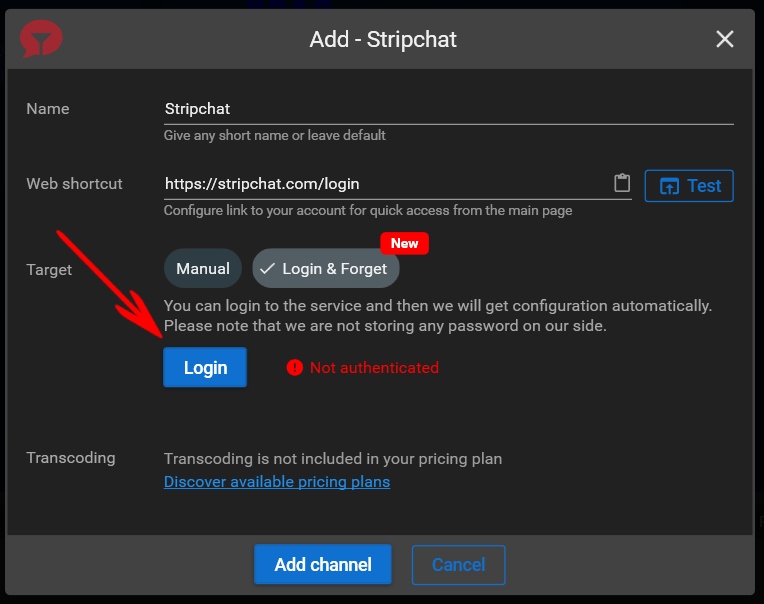
Step 7. Enter your platform credentials to authenticate.
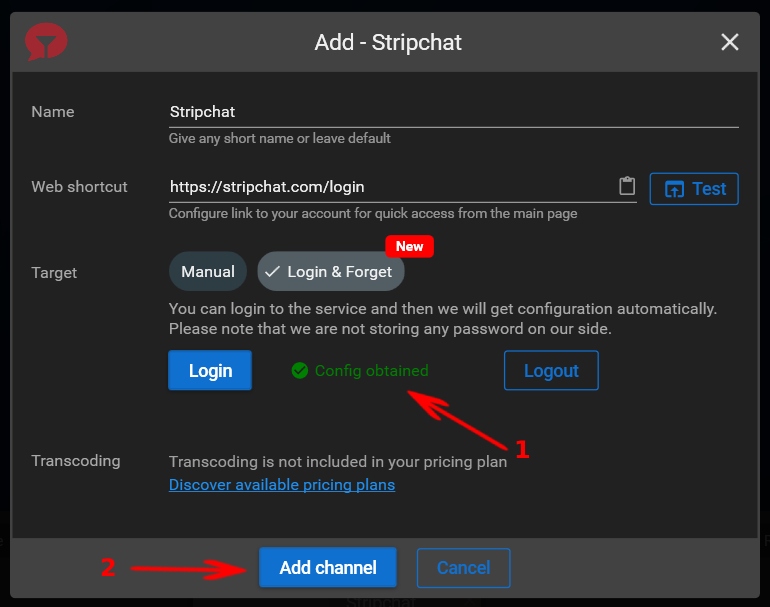
Step 8. If the authorization is successful, you can see a “config obtained” notification (1). Click the “Add channel” button (2).
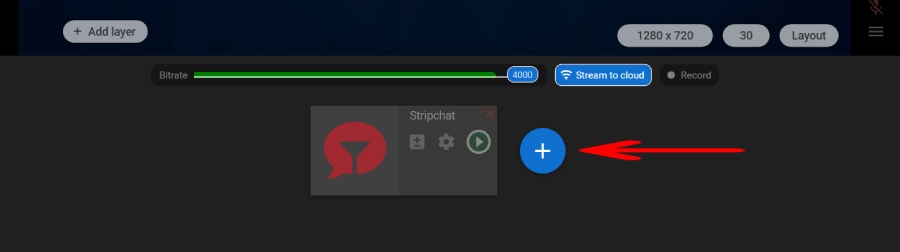
Step 9. Click the “+” button to select and setup other sites you plan to stream to.
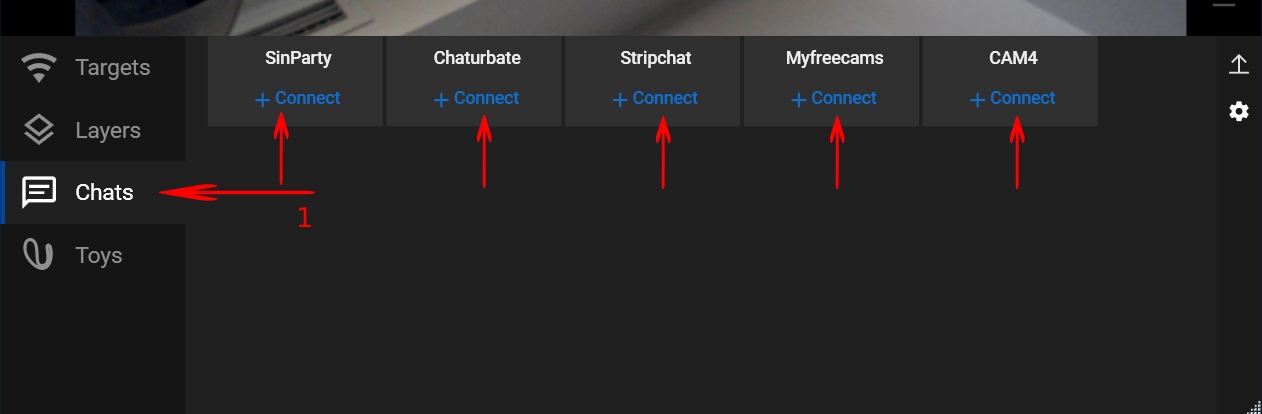
Step 10. Open the “Chats” tab and click the “Connect” button for sites you want to use chat with.